 TryOn



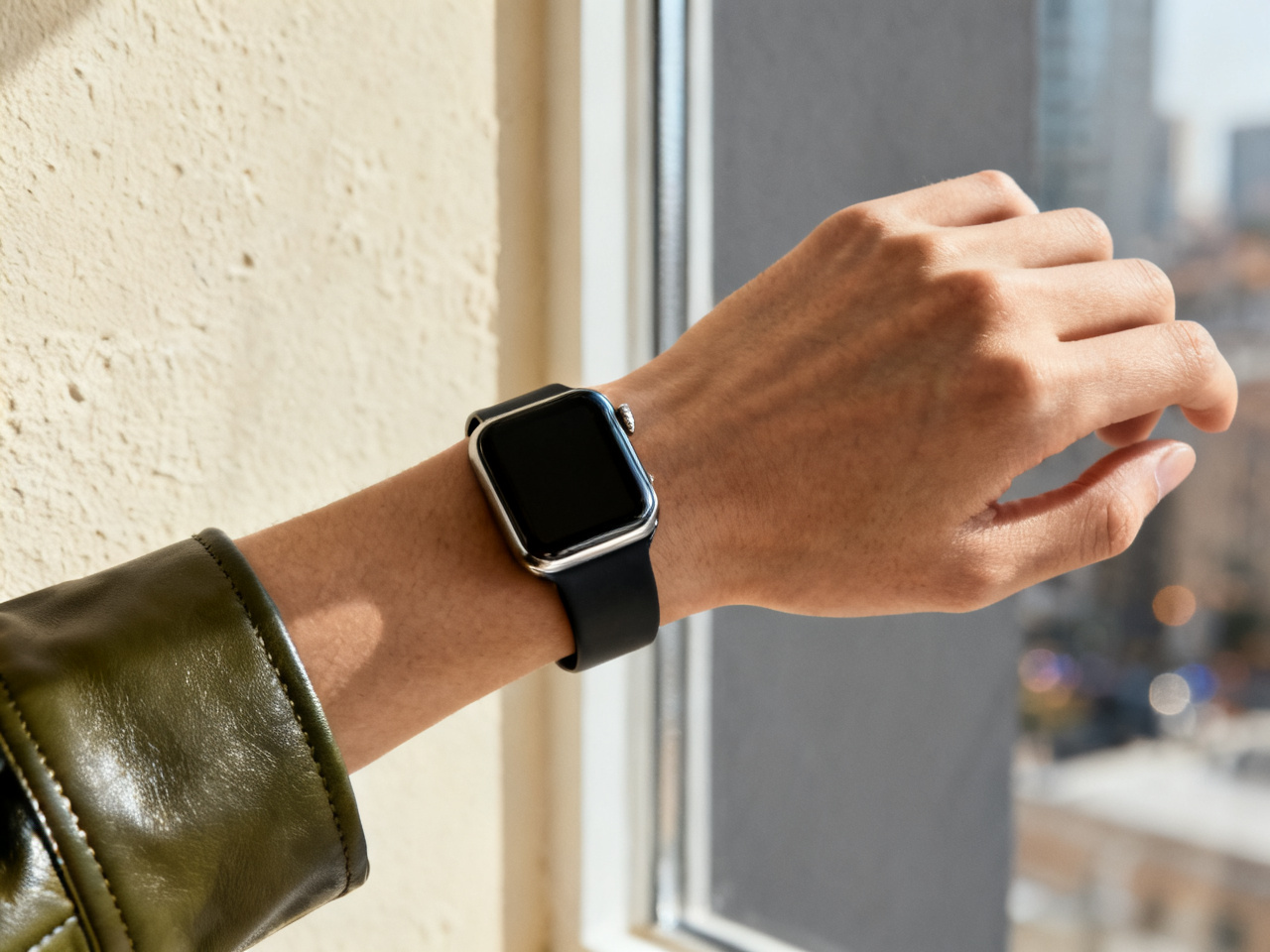
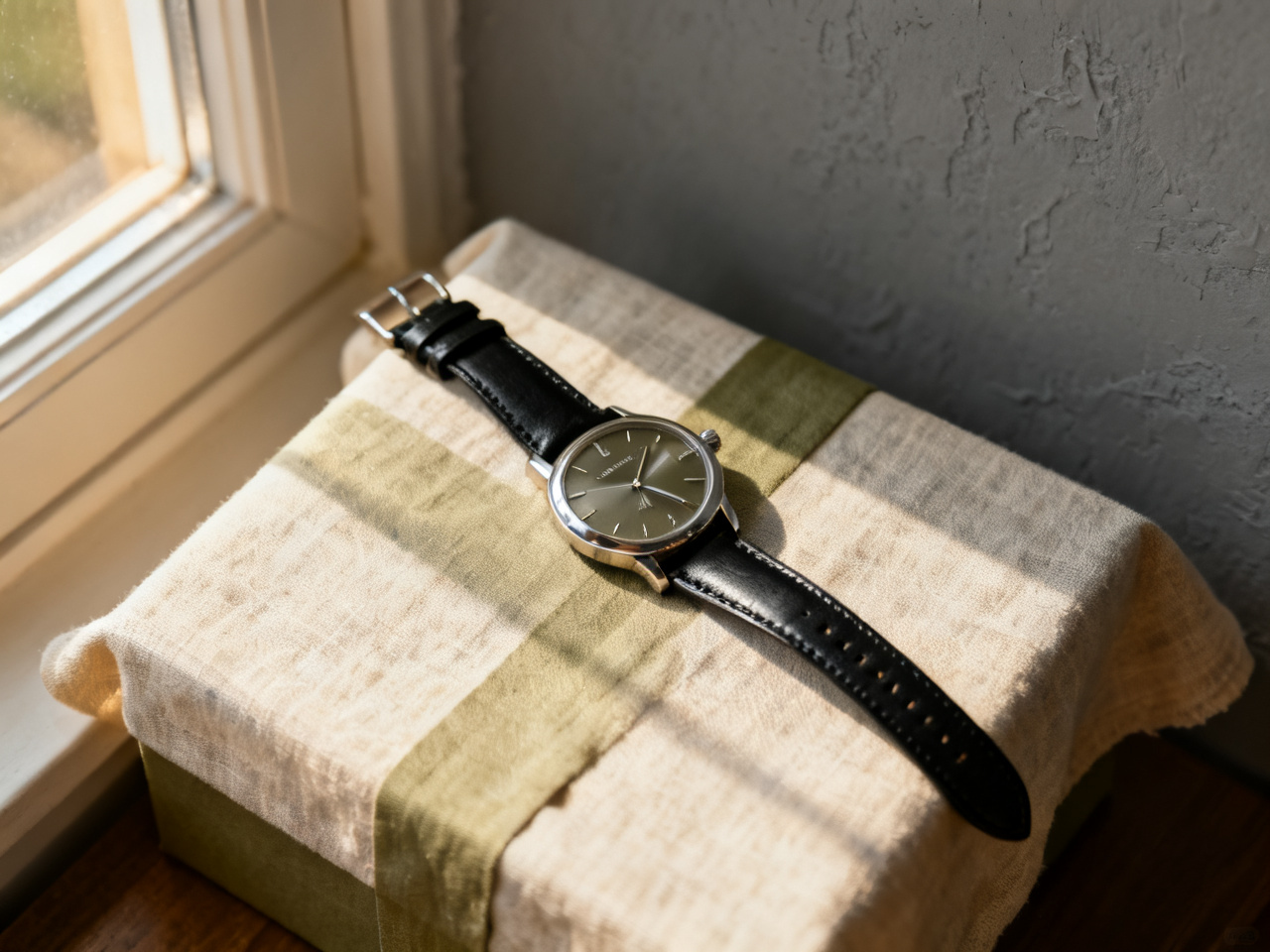
Compare 36 mm with 41 mm
Put both case sizes on the same wrist photo and see which one stops where you expect at the lug.
1 free try-on, 1 free video and 1 free image every day — no sign-up neededSee what's free
Upload a photo of your wrist and a product shot of the watch or band. Case size, dial color and strap land on your own arm in seconds, free.
Two images. One new perspective.
Private by default · Delete any result at any time
A first look at what’s possible
Start from a watch instead of a blank upload. Pick an image below to load it as a sample, then swap in your own wrist photo and the model you have in mind. Samples are free, which makes a first size check cheap.
The studio opens whether or not you are signed in, and a fresh set of previews appears every day. The first wrist shot is never gated, and no card is asked for at any point.
Each day brings a new run of previews for a dive watch, a dress watch or a smart band. The allowance renews on its own, which suits a decision that usually involves sleeping on it.
Unlimited mode lifts the daily cap, so you can compare a 36 mm case with a 41 mm on the same wrist, or a steel bracelet with a leather strap. Case size is the question a product photo never answers.
No card, no countdown, no email wall before the first preview. An account only matters for keeping a comparison in your history, and for holding credits if you ever want more than the daily allowance.
The daily allowance covers every tool on this page, not just watches.
A watch is one studio in a set. The same wrist or full-body photo also carries clothes, a bag, frames or shoes, so a whole look can be checked without uploading again. A case that suits your wrist rarely suits someone else, which is why the wrist photo matters here more than anywhere else.

Upload your photo and the item you have in mind, then see it on your own body instead of a stock model. The steps stay the same for a garment, a pair of frames or a watch: one photo of you, one photo of the piece, one preview. Start here when you are not sure which fitting tool you need.
Start fittingA wrist and forearm shot in even light works best. Roll the sleeve back, relax the arm and leave space around the wrist, because that is where the case has to sit. A photo taken flat on a table reads more accurately than one taken mid-gesture.
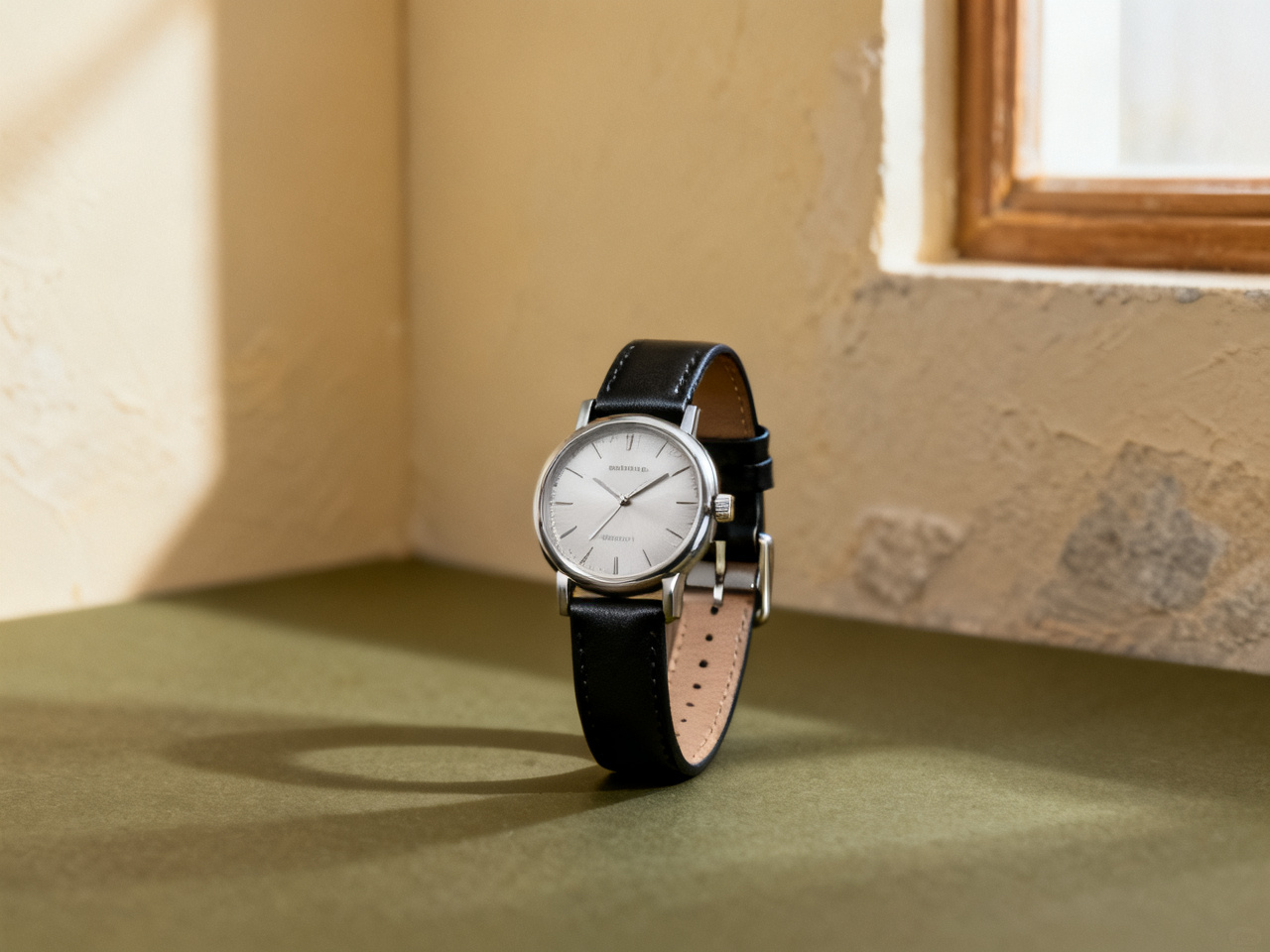
A product photo straight from the store is ideal. Keep the case and the full strap length in frame, and avoid shots where the bracelet is coiled or the dial is hidden by glare. A shot on a model shows how the case wears, a flat shot shows the true proportions.
Check the case size against your wrist width, then compare a second dial color or strap. Lug width and movement still come from the spec sheet; the preview tells you whether the size suits you. Two images side by side are usually enough.
Every preview is built from two images: your wrist and the watch. Both decide how much the result can show, so a minute spent on them is worth more than a second attempt. Case size is the only thing a watch buyer cannot judge from a listing, and the wrist photo is what makes it visible.
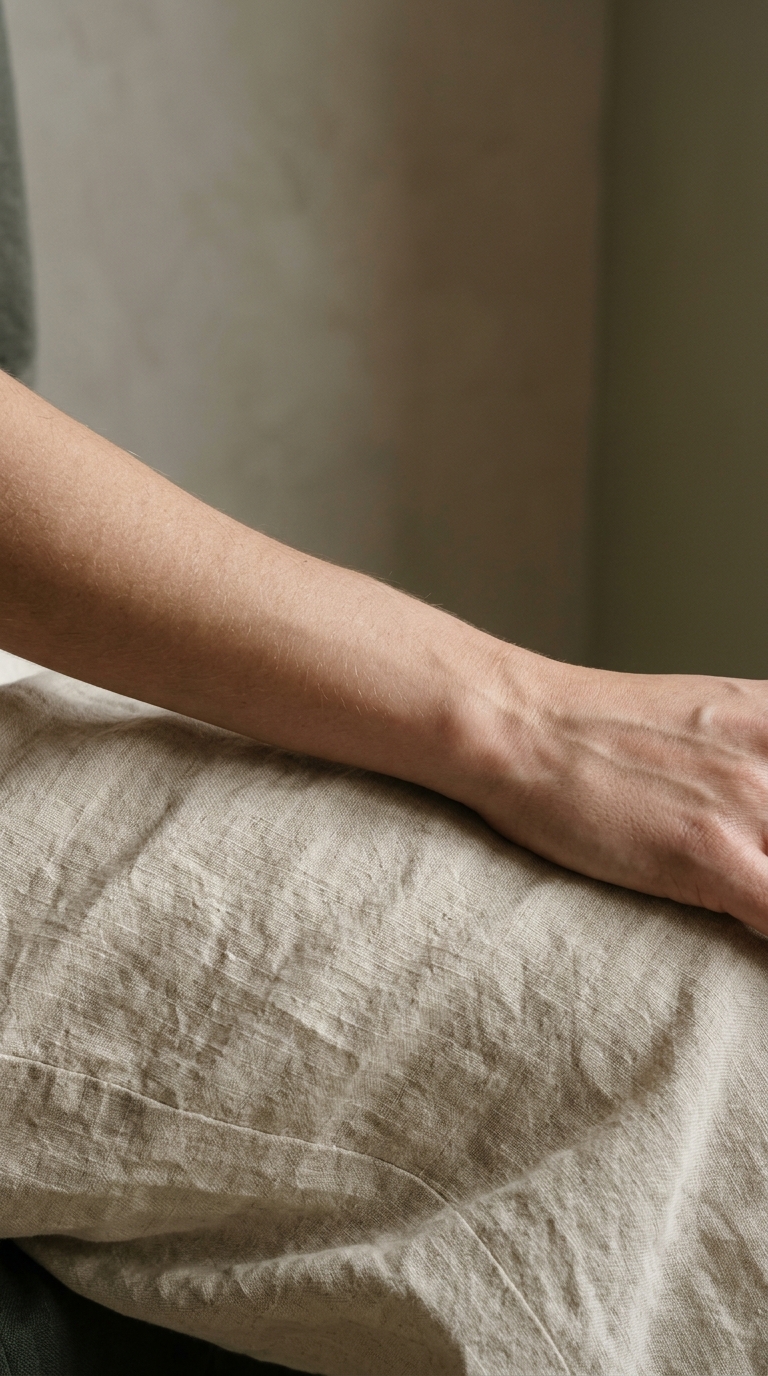 Bare wrist. Even light.
Show the wrist and a little of the forearm, with the hand relaxed. A sleeve over the wrist, a watch already strapped on or a hard shadow across the case all change how the preview lands. Natural window light keeps the skin tone and the metal finish honest.
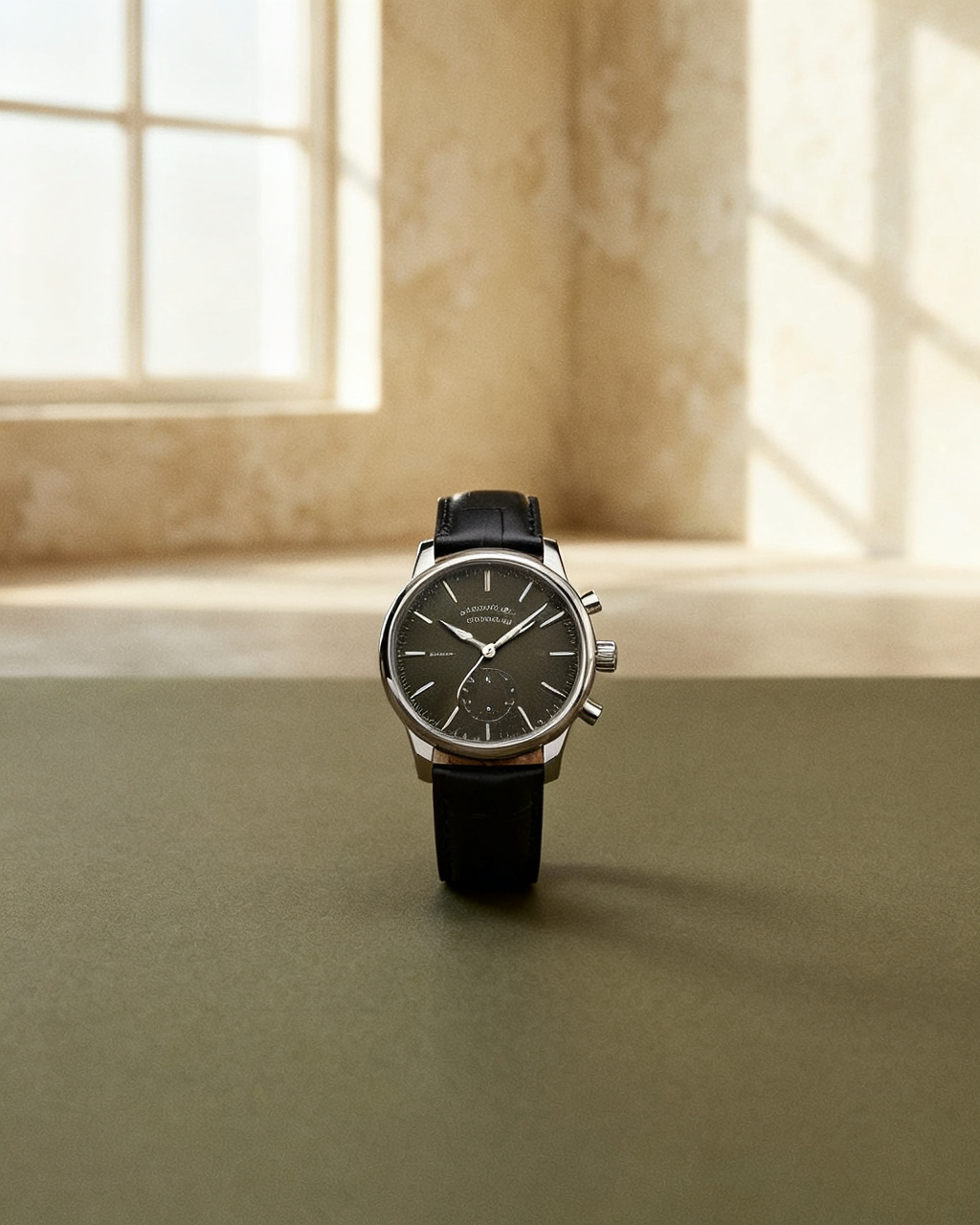
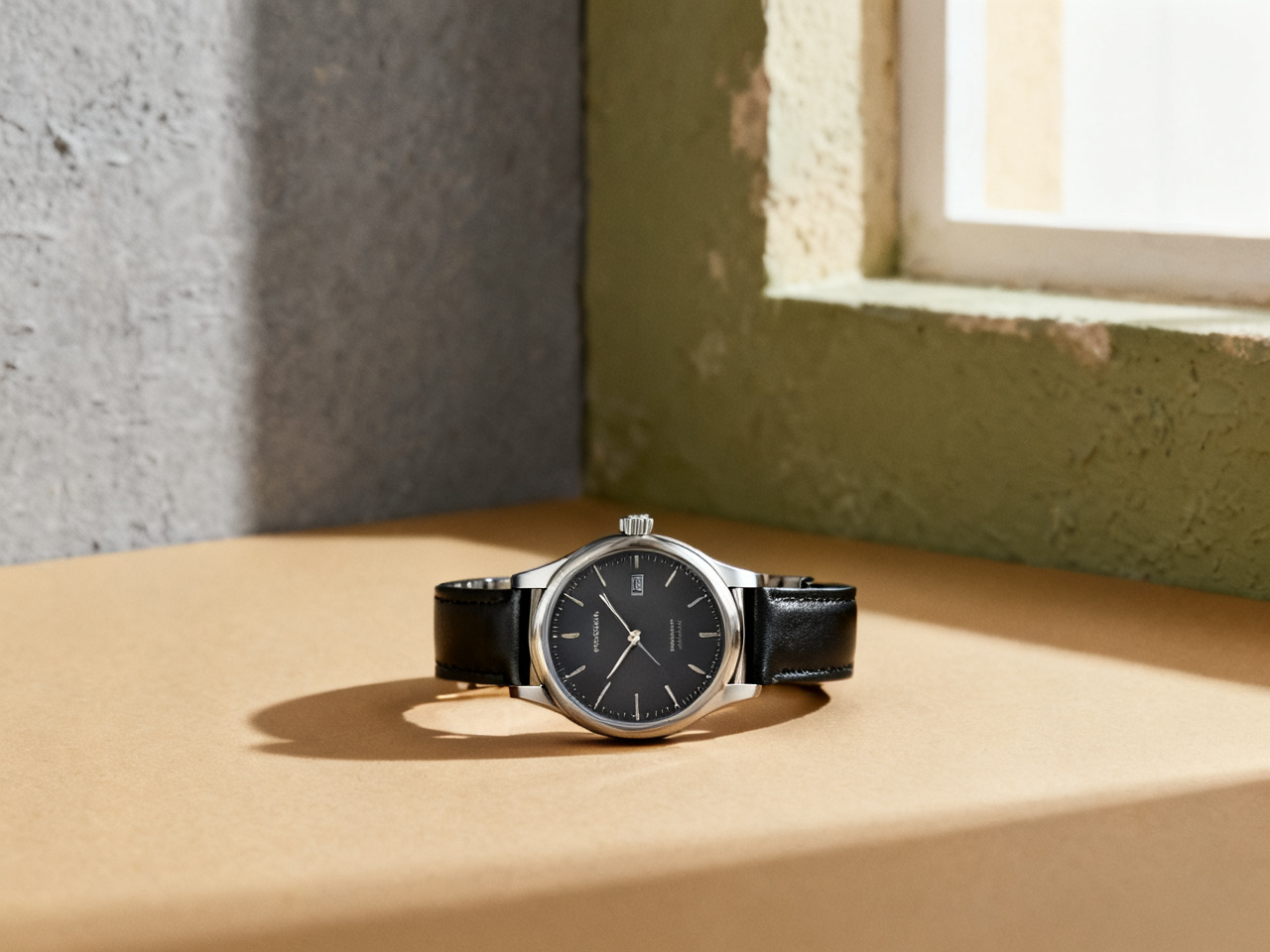 Case and strap, no glare.
The reference should make the case and the strap easy to read. Screenshots with a price tag, a coiled bracelet or a dial blown out by a flash leave the preview guessing at size. If the listing shows the watch at an angle, the case will look larger than it is.
The case is face-on, with the full strap or bracelet laid out.
The strap is open on a plain surface, so its width stays readable.
The watch is shown on a wrist, with no sleeve covering the case.
One preview can answer a size question, fill a listing or settle a gift. Pick a scenario to see what it changes, and how much of a decision it can carry.
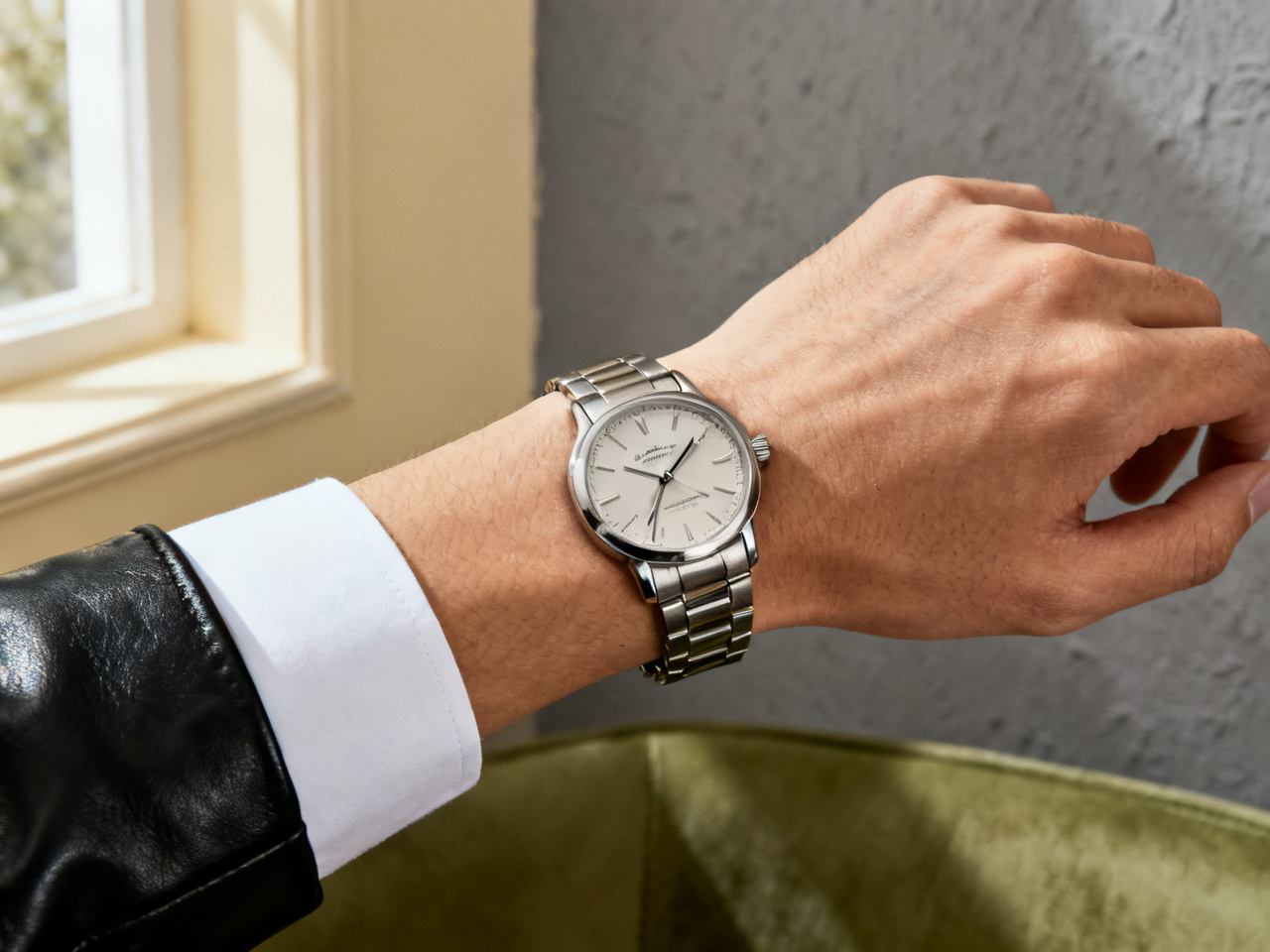
Set a preview beside a product photo so buyers see how a 40 mm case reads against a real wrist. Movement, service history and the bracelet condition still decide the sale. Size questions are the ones that stall a sale for days, and this answers them before the first message.
Notes from shoppers, dealers and collectors who check a case before they buy.
“A 41 mm case looked fine in product photos and huge on my wrist. One preview saved me a return.”
“Customers ask how a case wears on a small wrist. I send a preview instead of a paragraph of measurements.”
“I compared a bracelet and a leather strap on the same watch in one evening. The leather stayed.”
“It shortens the conversation at the counter. People arrive with two cases in mind, not six.”
“I did not know his wrist size. Previewing the case on a photo of him was the closest I could get before the birthday.”
“Strap swaps film well, and the preview lets me plan the order of shots before the camera is out.”
“A 41 mm case looked fine in product photos and huge on my wrist. One preview saved me a return.”
“Customers ask how a case wears on a small wrist. I send a preview instead of a paragraph of measurements.”
“I compared a bracelet and a leather strap on the same watch in one evening. The leather stayed.”
“It shortens the conversation at the counter. People arrive with two cases in mind, not six.”
“I did not know his wrist size. Previewing the case on a photo of him was the closest I could get before the birthday.”
“Strap swaps film well, and the preview lets me plan the order of shots before the camera is out.”
Start from a question rather than a model: a case size you are unsure about, a strap you have never worn, or a watch that keeps sitting in a cart.
Put both case sizes on the same wrist photo and see which one stops where you expect at the lug.
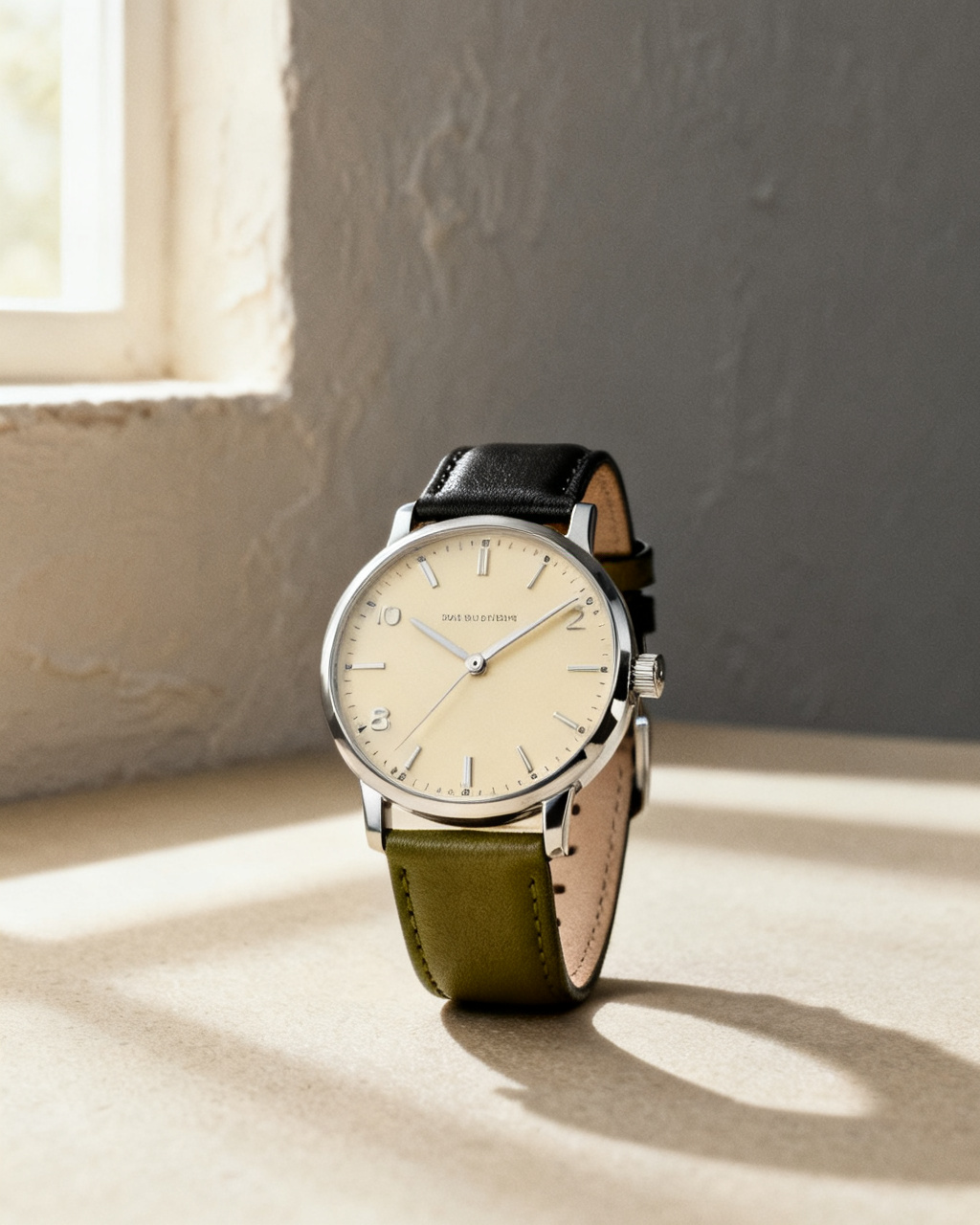
A white dial and a black dial read differently against a cuff. Preview both before the strap decision.
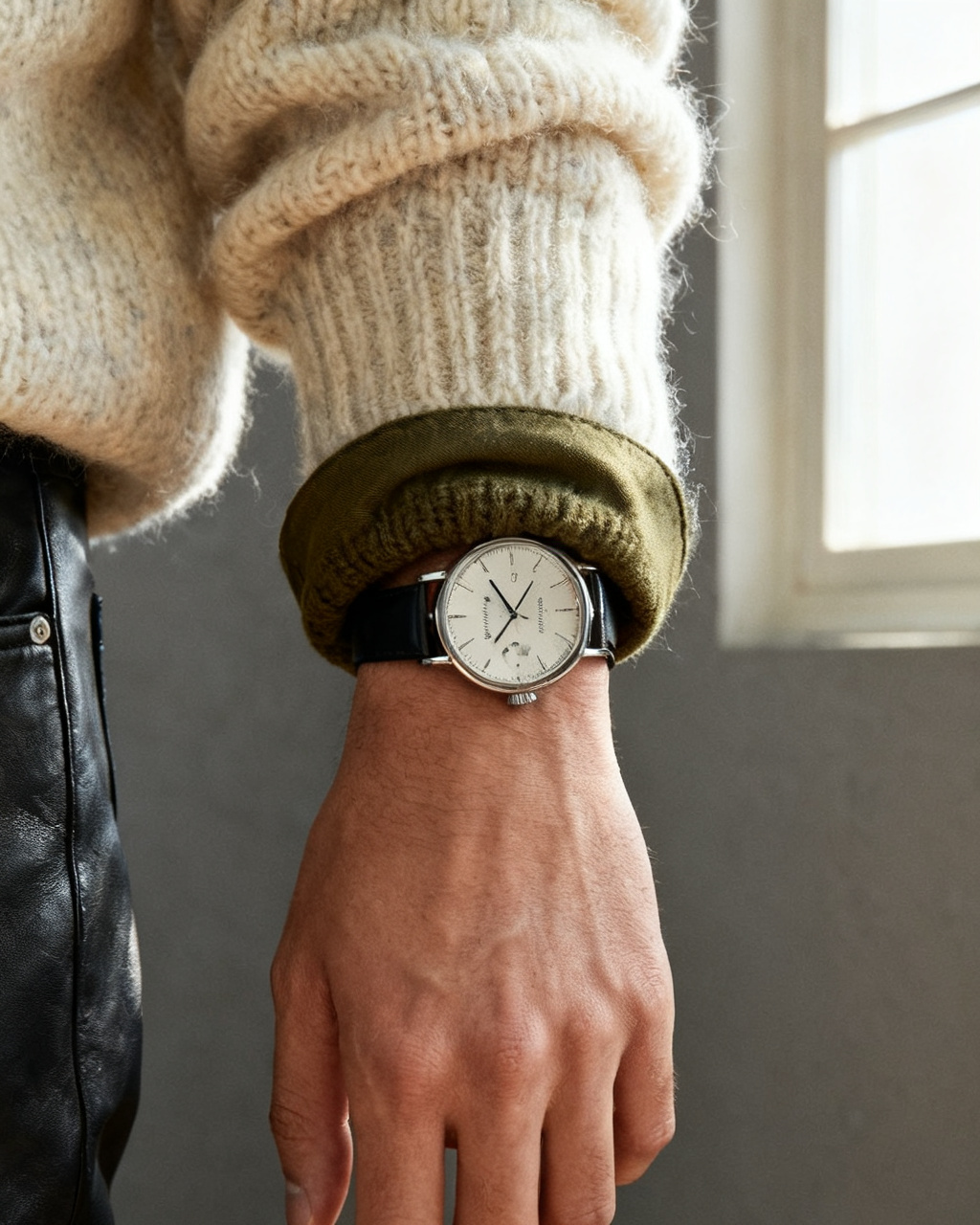
A knit cuff swallows a small case. Preview the watch with the sleeve you actually wear it under.
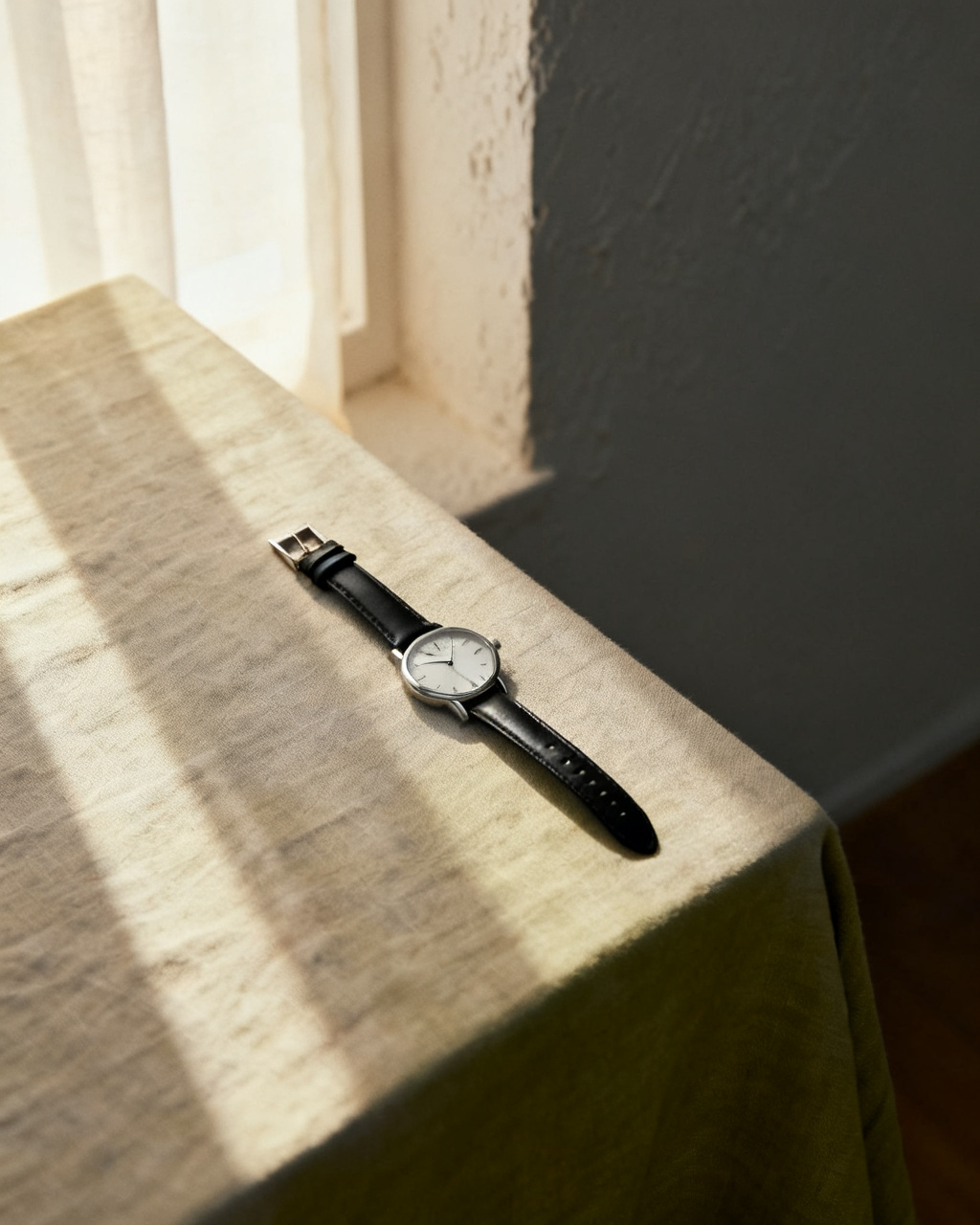
Try the thin case with the suit you have chosen, so the proportion is settled before the day.
Short answers about seeing a watch on your own wrist, online and for free.
It runs in the browser rather than as a download. Upload a wrist photo and a product shot, and the preview appears in seconds on a phone, tablet or laptop. Nothing is installed and the first case needs no account.
Yes. The preview places the case and strap on your own wrist photo, so you can judge size and color before you order. It is a visual check, not a measurement: millimetres still come from the spec sheet.
A wrist and forearm shot in even light, with the sleeve rolled back and no watch already on. Keep the wrist flat and the hand relaxed. A photo taken straight down at the wrist keeps the case proportions closer to life.
Starting is free. You get free previews every day without an account, and the sample wrists and sample watches are free to use too. Unlimited mode removes the daily cap when you want to compare a whole case-size range.
Yes. Upload the watch once, then swap in a photo of each strap or bracelet and compare the combinations on the same wrist shot. Keeping the wrist photo identical is what makes the comparison useful.
It shows proportion. For millimetres, check the case diameter and lug-to-lug against a watch you already wear, since those two numbers decide how a case sits. A 40 mm case with long lugs wears bigger than a 41 mm with short ones.
The model reads the angle and width of your wrist, then renders the case and strap at the matching scale. A flat wrist photo and a face-on product shot give it the most to work with, which is why an angled wrist shot distorts the size.
Not quite. AR overlays a render on a live camera feed, which is useful for a quick look in a boutique. An AI try on works from a still photo, keeps the result and lets you compare several straps later or send the image to someone else.
Uploads are re-encoded and stored privately. Results appear only in your own history and are served only to your account, and you can delete any of them at any time.
Measure around your wrist in centimetres and compare it with the case diameter. A rough rule is 38 to 40 mm on a wrist under 17 cm, and 40 to 42 mm above it, with personal taste deciding the rest. A preview shows whether that rule suits your eye.
Lug-to-lug is the height of the case from top to bottom, and it decides whether the watch overhangs your wrist. If it is wider than the flat top of your wrist, the case floats. Diameter gets quoted in listings, but this is the number that decides comfort.
Yes, and it is the fastest use of the tool. Upload the case once, then add each strap photo and keep the same wrist shot. Steel reads as formal and heavy, leather as softer, and rubber as casual, which a photo makes obvious faster than a description.
Yes. Case shape and band width matter more than the screen for a smartwatch, so use a face-on product shot with the band laid out. Check the listed band width too, since a 22 mm band on a narrow wrist looks different from a 20 mm.
Any watch you have a product photo of, as long as you have the right to upload that image. This studio is not affiliated with any watchmaker, so the preview shows how the case and color read on your wrist rather than acting as an official boutique render.
Close, not exact. The preview follows the shade in the product photo, which is affected by store lighting. White and silver dials are the ones that shift most against warm skin tones, so compare two product photos in daylight before deciding.
The preview cannot show link removal, but it can show whether the bracelet is the right order of magnitude for your wrist. Check the listed bracelet length and how many removable links the case has. Most metal bracelets size down easily, and few size back up without ordering links.
Measure your wrist first, then stay near the middle of the range: about 36 to 38 mm under 16 cm, 38 to 40 mm to 18 cm, and 40 to 42 mm above that. Preview one size up and one size down on the same photo, because the step between them reads bigger on screen than it sounds.
Yes, as long as you have a clear photo of the case. Older cases are smaller than the current trend, so preview a 34 or 36 mm before deciding it is too small. Patina and scratches do not render, which is why condition questions still belong in the listing photos.