 TryOn
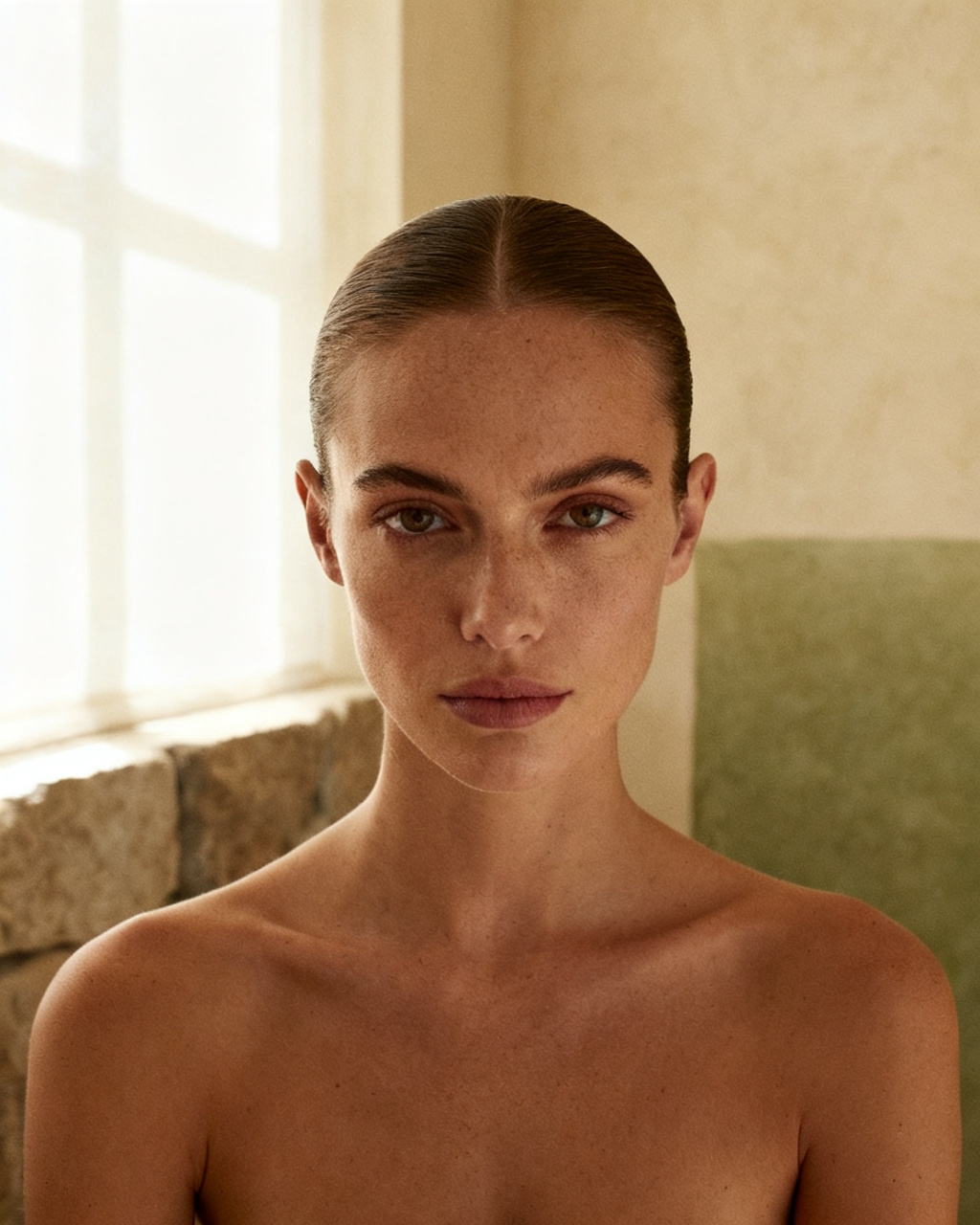
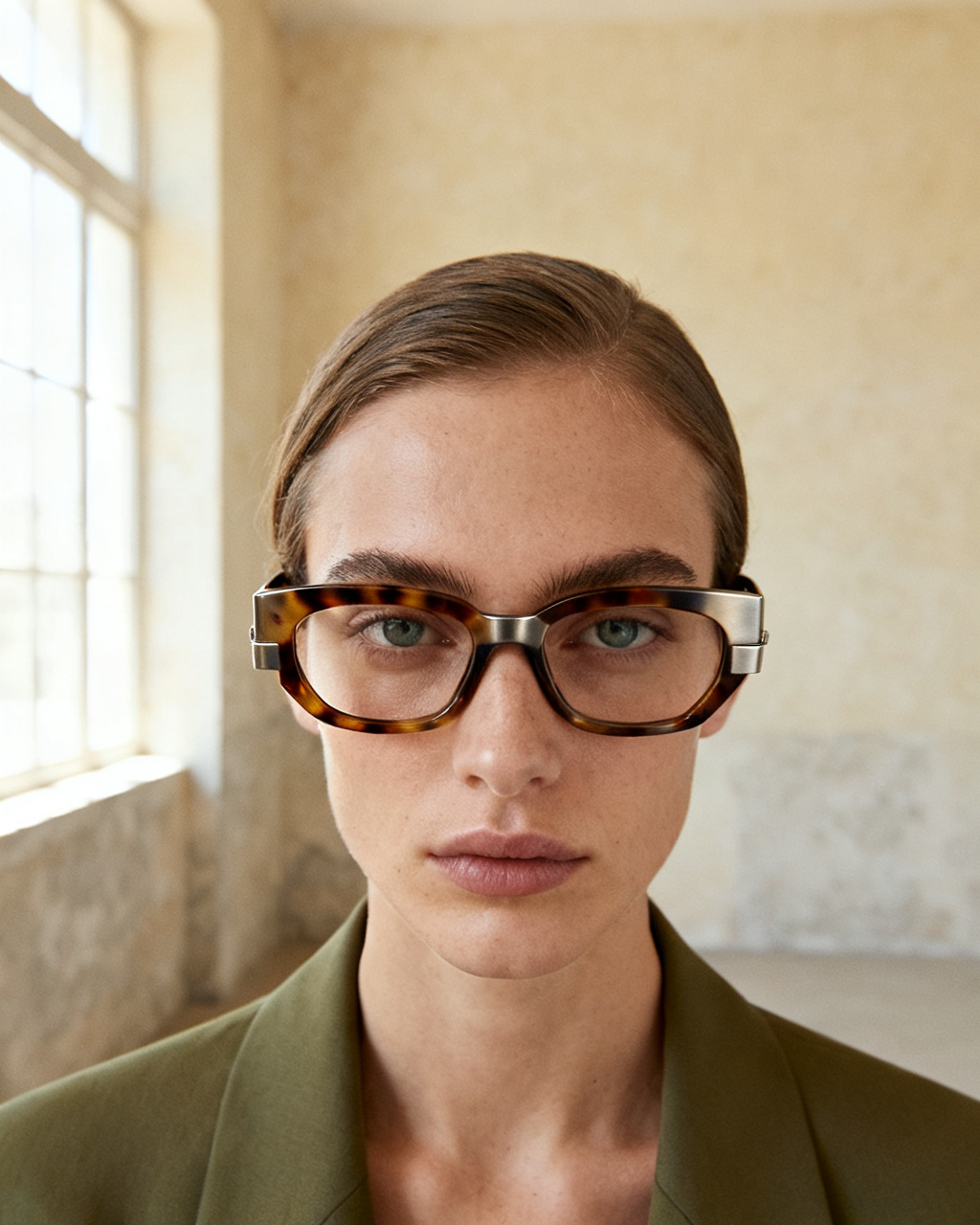
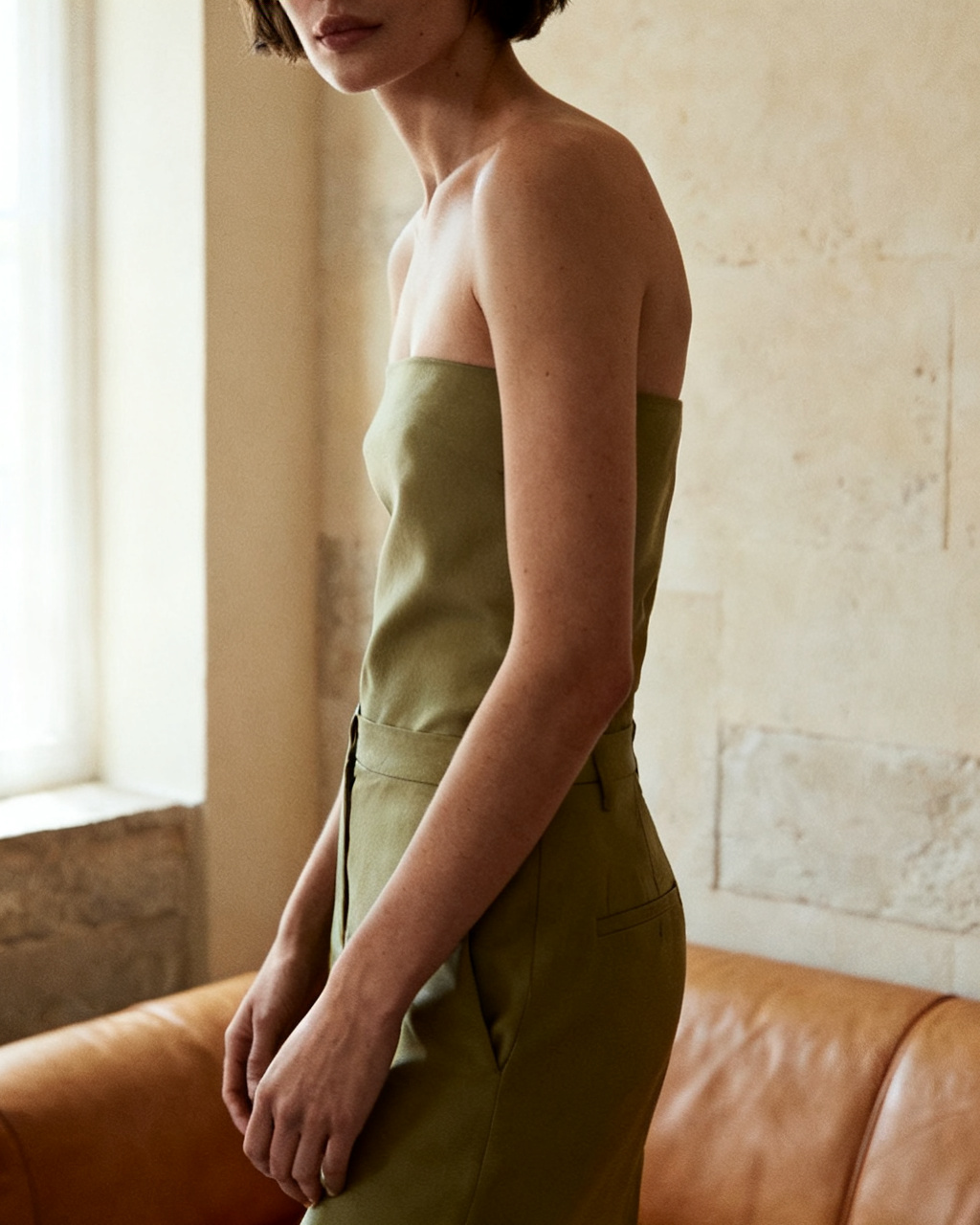
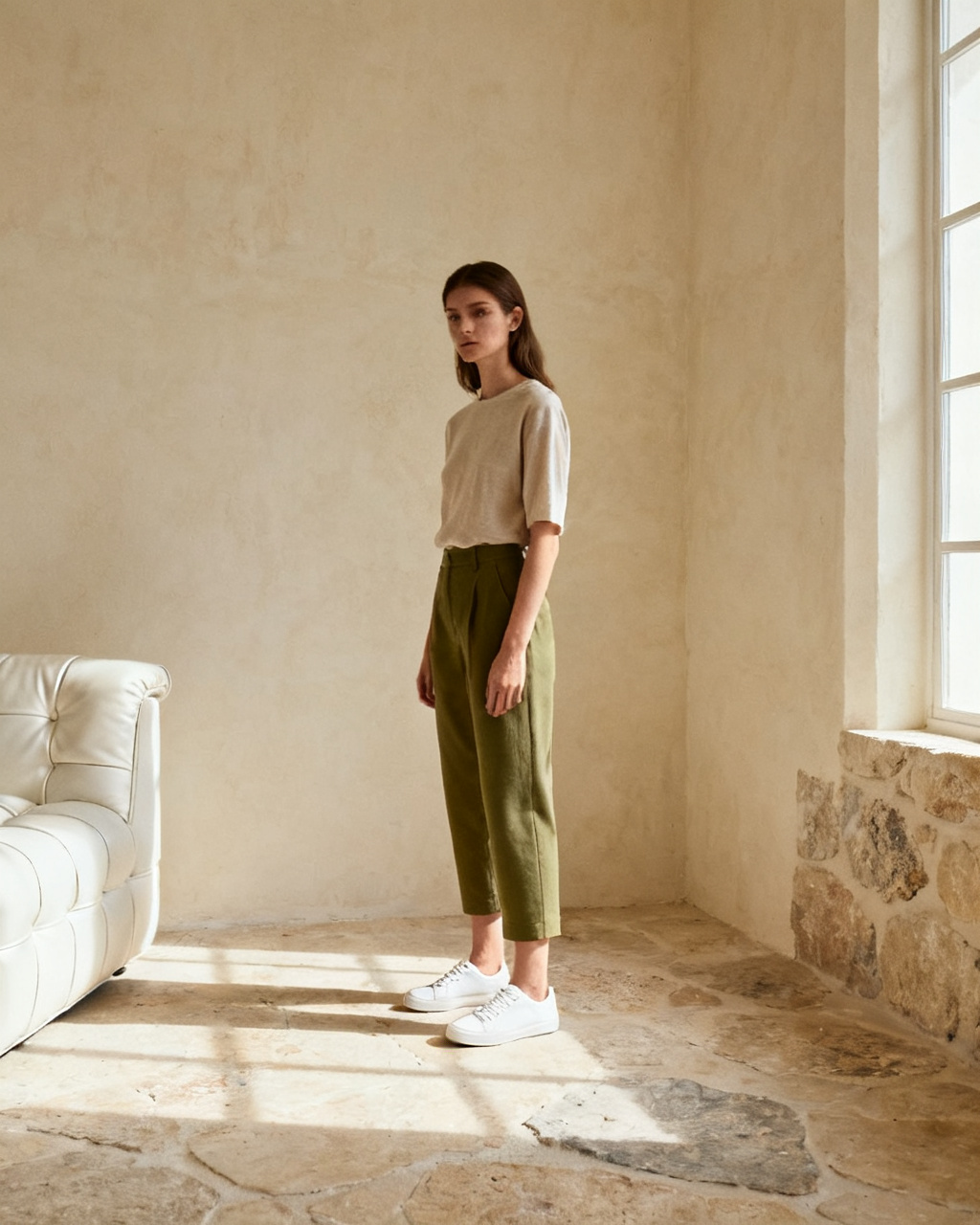
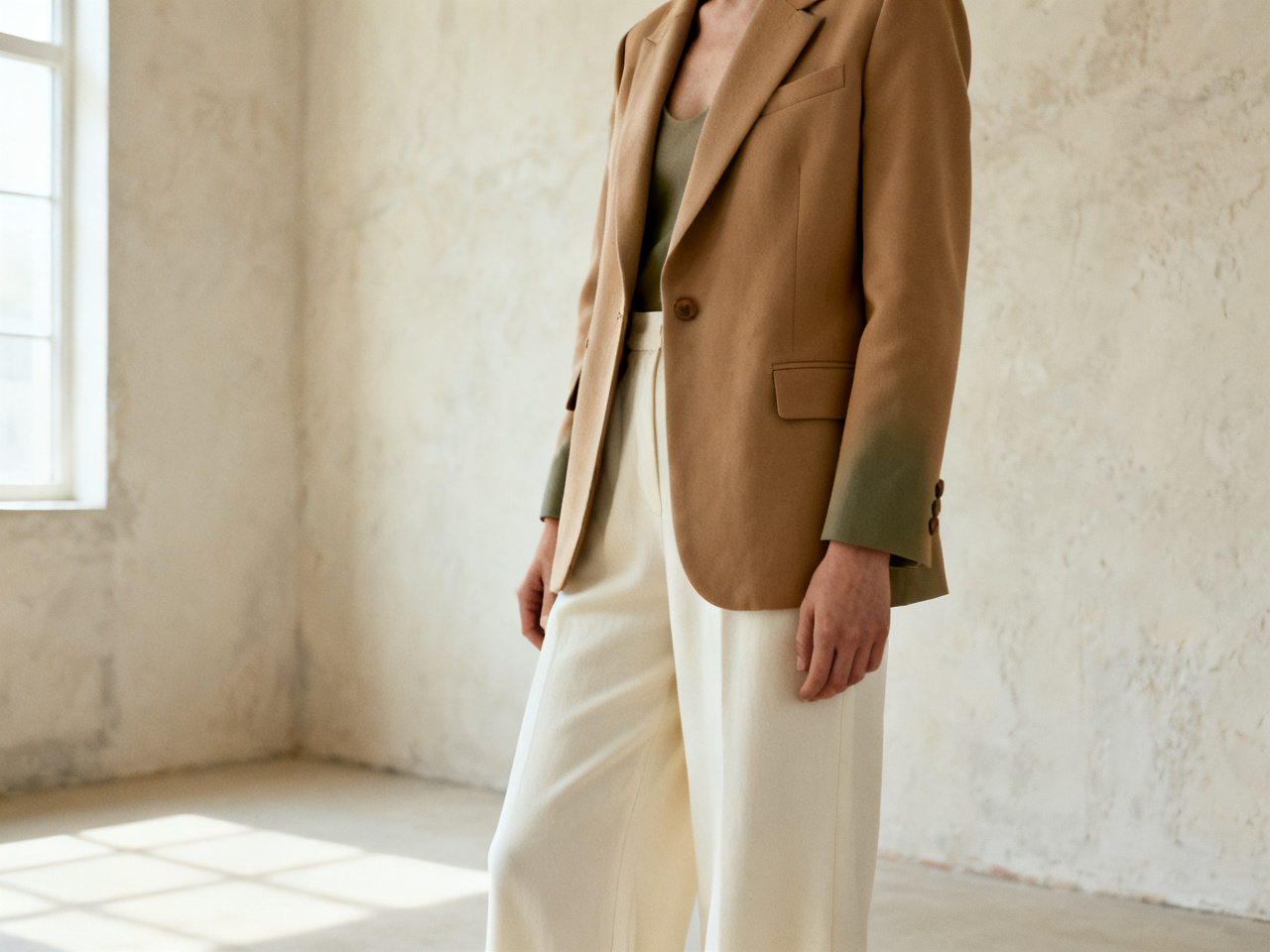
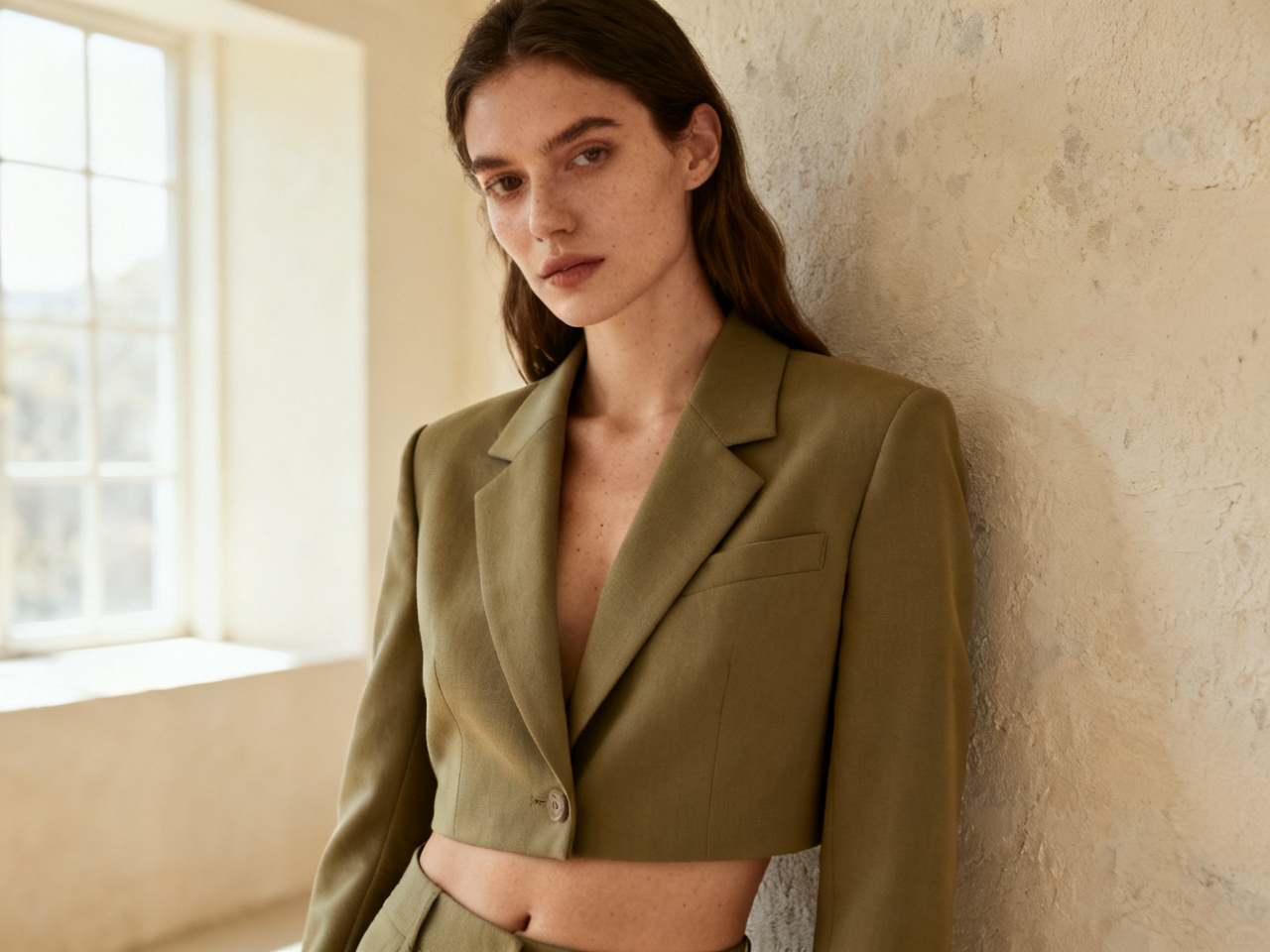
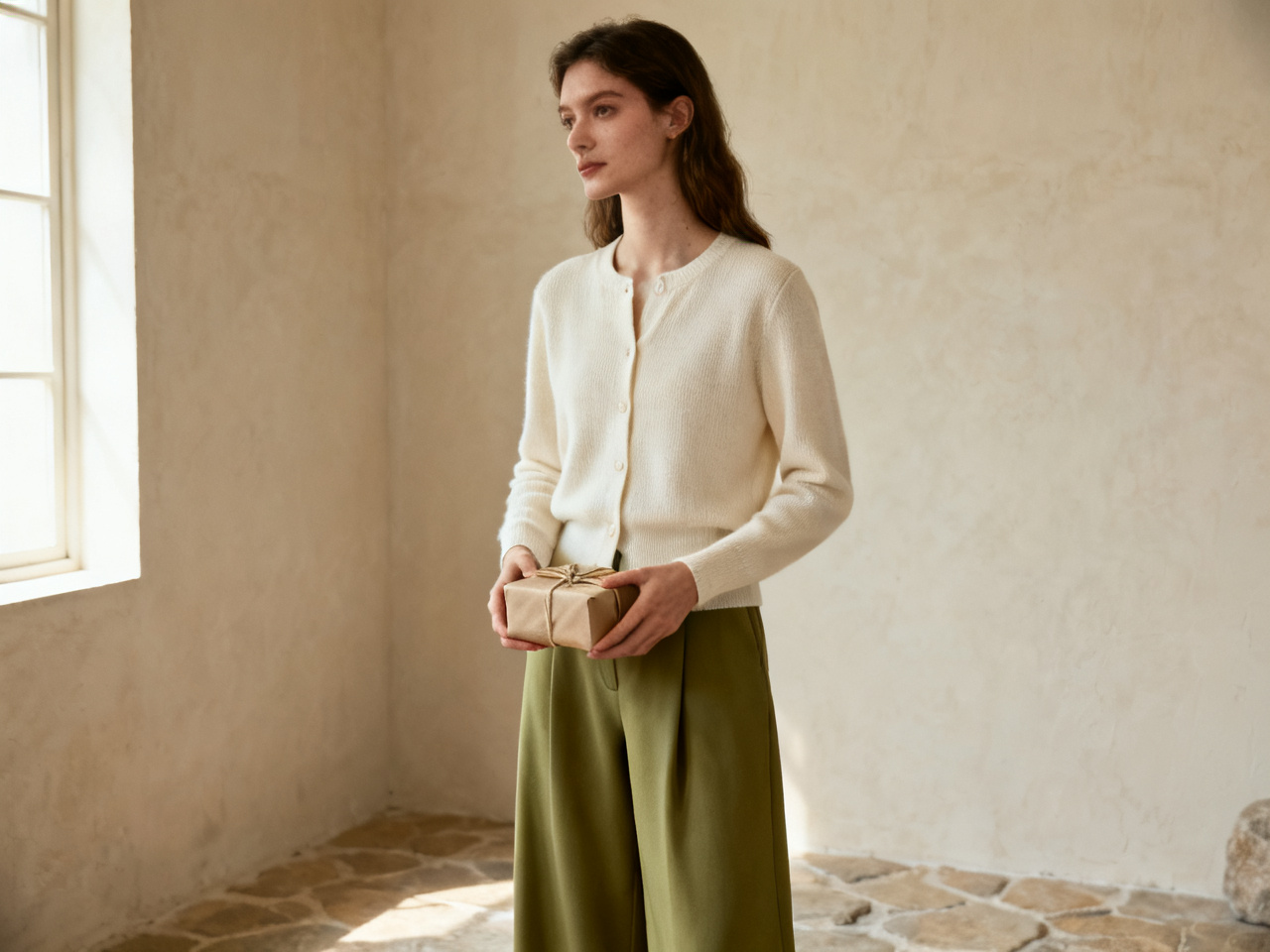
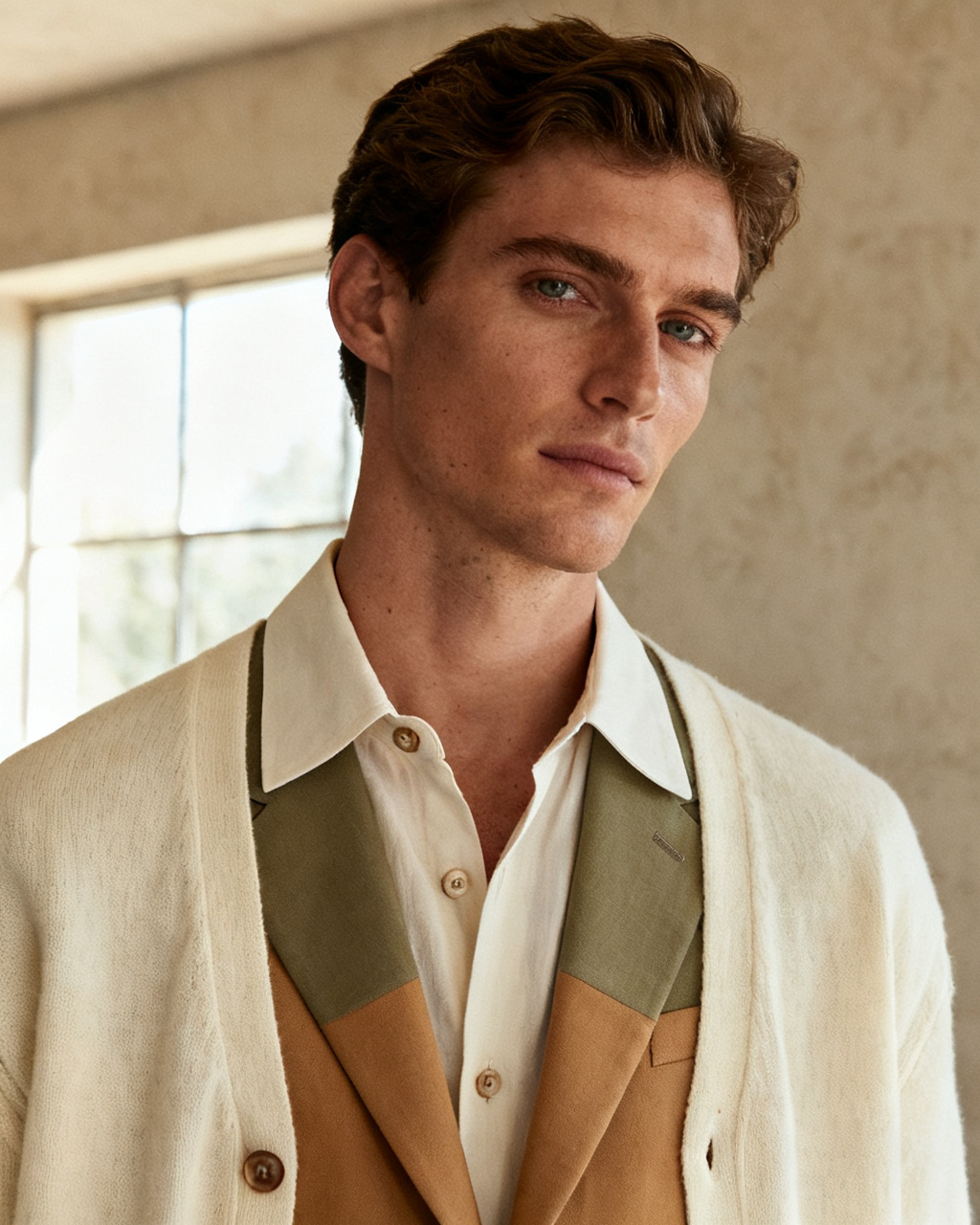
Compare two sizes of the same piece
Put the small and the medium on the same photo and see which one sits where you expect at the shoulder and the hem.
1 free try-on, 1 free video and 1 free image every day — no sign-up neededSee what's free
Upload a photo of yourself and a product shot of the piece you are considering. The outfit lands on your own body in seconds, free, right in your browser, with no account to create first.
Two images. One new perspective.
Private by default · Delete any result at any time
A first look at what’s possible
Start from a look instead of a blank upload. Pick an image below to load it as a sample, then swap in your own photo and the piece you have in mind. Samples are free to use, so the first run costs nothing while you learn how the studio behaves.
The studio opens whether or not you are signed in, and a fresh set of outfit previews appears every day. The first look is never gated, and no card is asked for at any point.
Each day brings a new run of previews for a dress, a jacket or the shirt sitting in your cart. The allowance renews on its own, which suits the way people shop: a few pieces on Monday, a second look once the size chart has been read.
Unlimited mode lifts the daily cap, so you can put two sizes of the same jacket side by side, or one dress in three colors, in a single sitting. Comparing three options in one go is what makes the tool useful rather than a novelty.
No card, no countdown, no email wall before your first preview. An account only matters for keeping a look in your history across devices, and for holding credits if you ever want more than the daily allowance.
The daily allowance covers every tool on this page, not just clothes.
Clothes are one studio in a set. The same photo also carries a new hairstyle, a pair of frames, a bag, a watch or shoes, so a whole outfit can be checked without uploading again. Most people start with the garment and stay for the accessories.
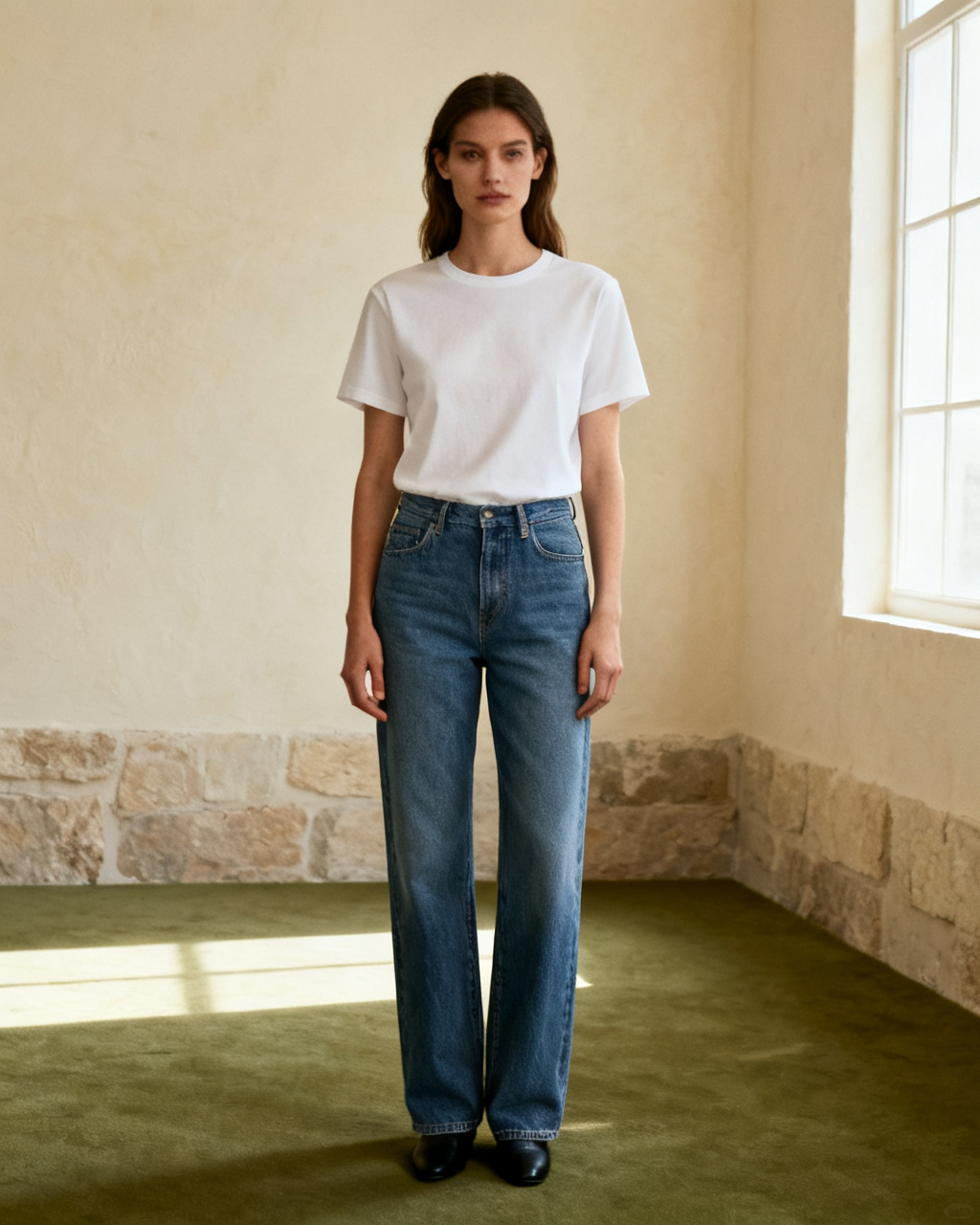
Upload your photo and the item you have in mind, then see it on your own body instead of a stock model. The steps stay the same for a garment, a pair of frames or a watch: one photo of you, one photo of the piece, one preview. Start here when you are not sure which fitting tool you need.
Start fittingA full-body shot in even light works best. Keep your arms slightly away from your sides and avoid cropped frames, because the preview needs room to place the garment. A mirror selfie is acceptable if the phone does not cover your torso.
A product image from the store, a flat-lay or a wardrobe shot all work. Keep the whole item in frame, without a hanger, a watermark or a second piece covering it. If the listing shows one shot on a model and one flat, the flat-lay is usually easier to read.
Check color, silhouette and length on your own photo, then compare a second size or shade. A preview narrows the choice; the size chart and the return policy still settle the order. Keep the two that survive the comparison and ignore the rest.
Every preview is built from two images: your photo and the garment. Both decide how much the result can show, so a minute spent on them is worth more than a second attempt with the same weak sources. The usual mistake is a perfect product shot paired with a careless photo of yourself, which flatters neither the outfit nor the answer.
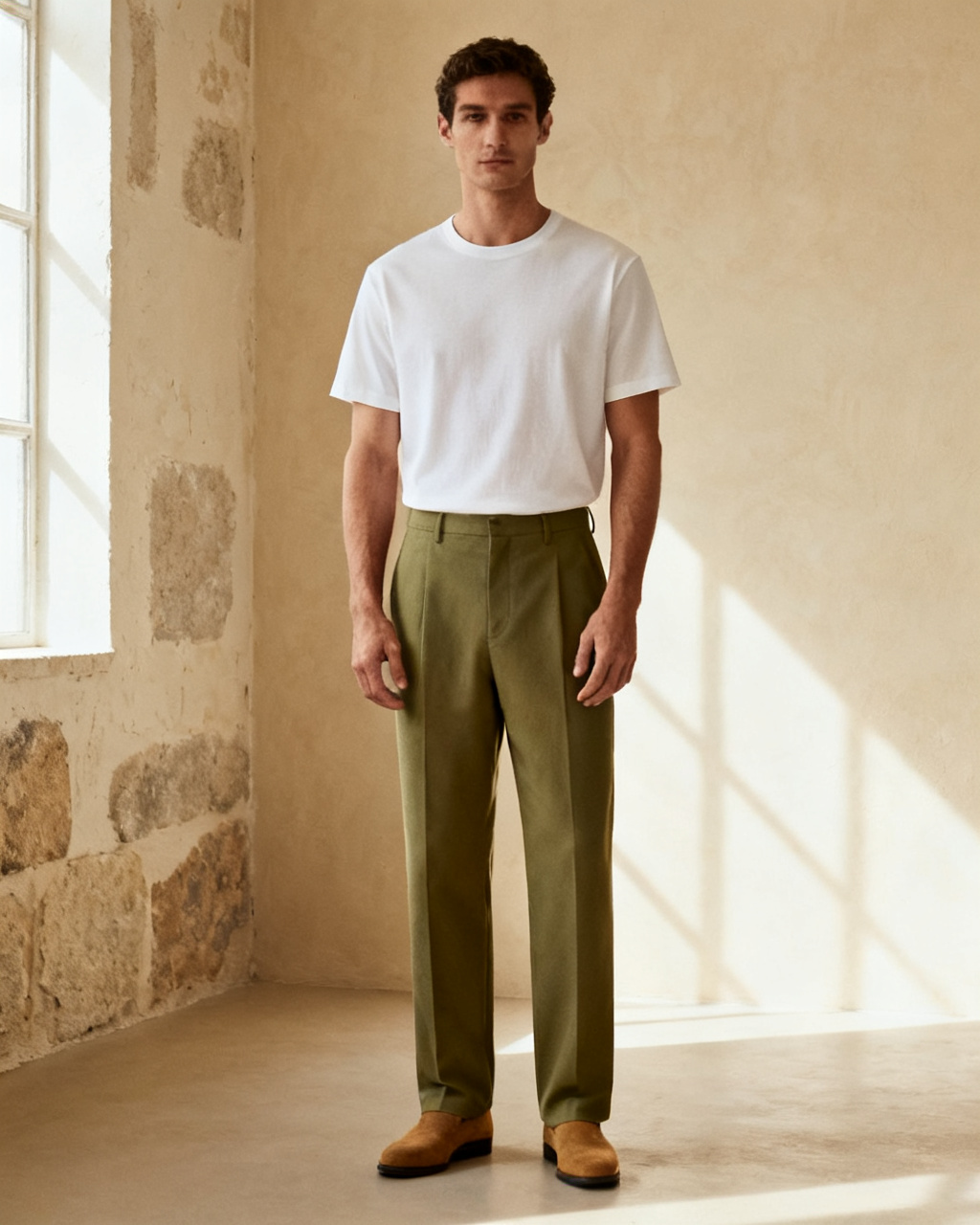 Good light. Full frame. All you.
Stand facing the camera with your whole body in frame and your arms slightly away from your sides. Cropped shots, hard shadows and group photos all cost detail the preview needs. A plain wall behind you helps more than a tidy room does.
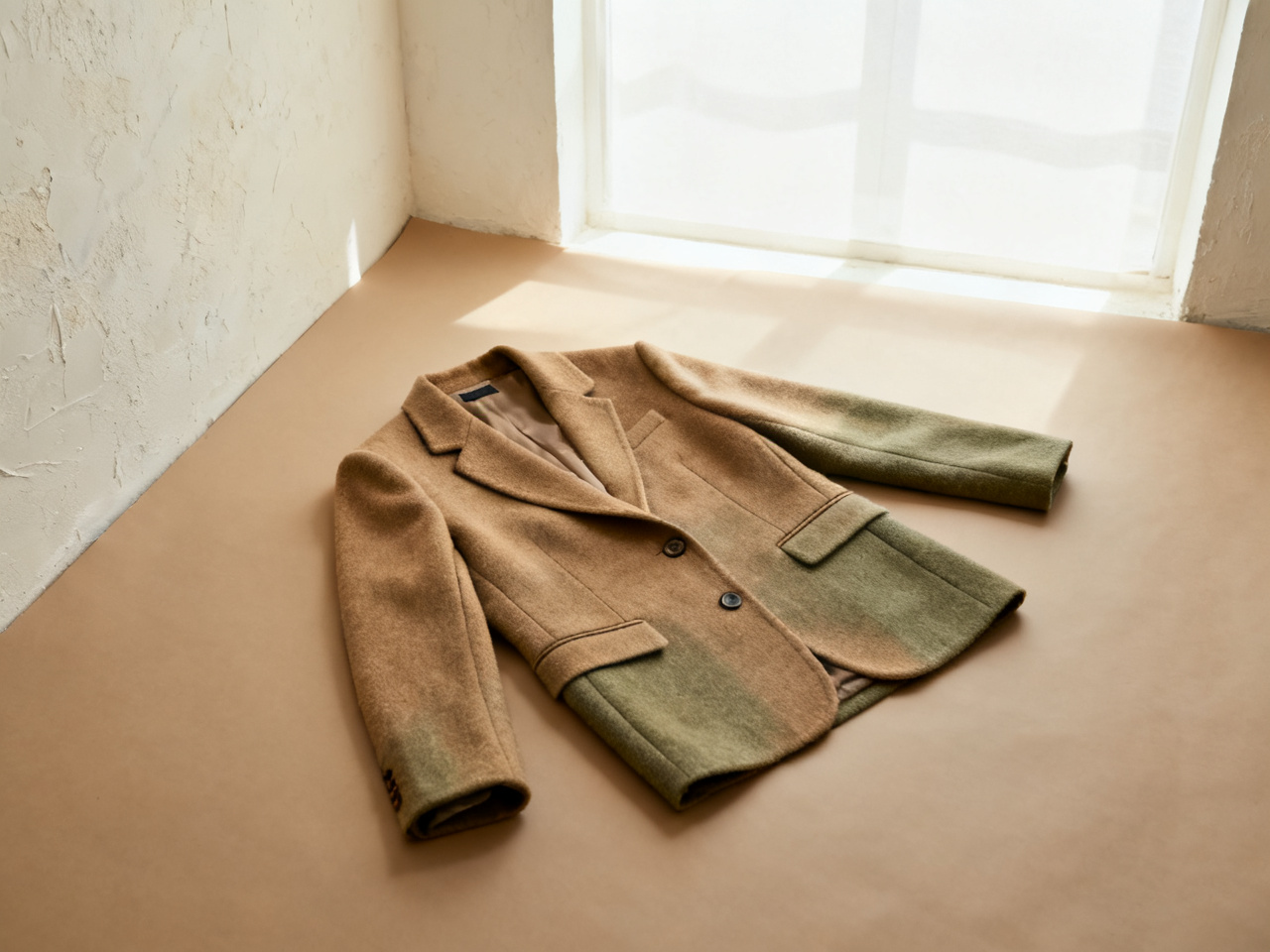 Whole item. Clear edges. Real detail.
The reference should make the item easy to identify. Collages, screenshots with large overlays and photos where a hand covers the fabric leave the preview guessing at cut and length. A worn shot still works when it is the only one available, since it carries the drape the flat-lay loses.
The item is isolated, with visible edges, buttons and seams.
The garment is laid out fully, without folds hiding its shape.
The clothing shows from the front, with no hand or bag crossing it.
One preview can serve a product page, a wardrobe plan or a return decision. Pick a scenario to see what it changes, and how much of a choice it can carry on its own.
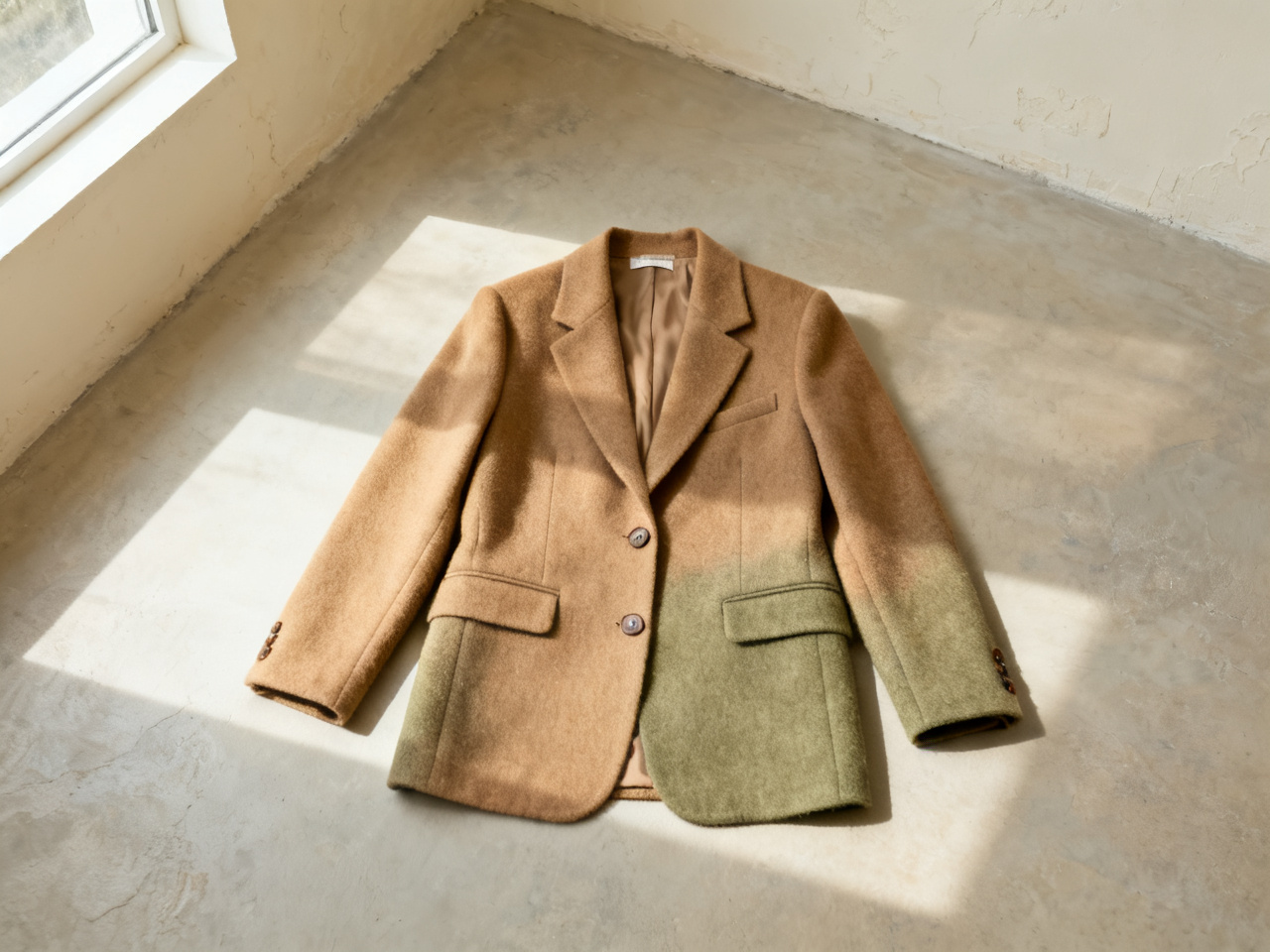
Set a preview beside a product photo so shoppers see the length on a person instead of a hanger. Measurements and the size chart still decide the order, and the preview makes them easier to read. Returns cluster around color and length, which are the two things a preview settles first.
Notes from shoppers, stylists and store owners who check a piece before they order.
“I used to order two sizes and return one. Seeing the jacket on my own photo cut that down to a single order.”
“A client sends a photo of a dress she is unsure about, and I can show her the same dress on her before we meet.”
“The garment photo matters more than I expected. Once the whole item was in frame, the previews stopped guessing at length.”
“Color questions come up every day. One preview answers them faster than a paragraph in the product description.”
“I compared two jackets before a wedding and ordered the one I actually wore. The other stayed in the cart.”
“Photographing stock takes an afternoon. Checking how a piece reads on a person takes a minute now.”
“I used to order two sizes and return one. Seeing the jacket on my own photo cut that down to a single order.”
“A client sends a photo of a dress she is unsure about, and I can show her the same dress on her before we meet.”
“The garment photo matters more than I expected. Once the whole item was in frame, the previews stopped guessing at length.”
“Color questions come up every day. One preview answers them faster than a paragraph in the product description.”
“I compared two jackets before a wedding and ordered the one I actually wore. The other stayed in the cart.”
“Photographing stock takes an afternoon. Checking how a piece reads on a person takes a minute now.”
Start from a look rather than an order: a color you avoid, a length you have never worn, or a piece you keep adding and removing.
Put the small and the medium on the same photo and see which one sits where you expect at the shoulder and the hem.
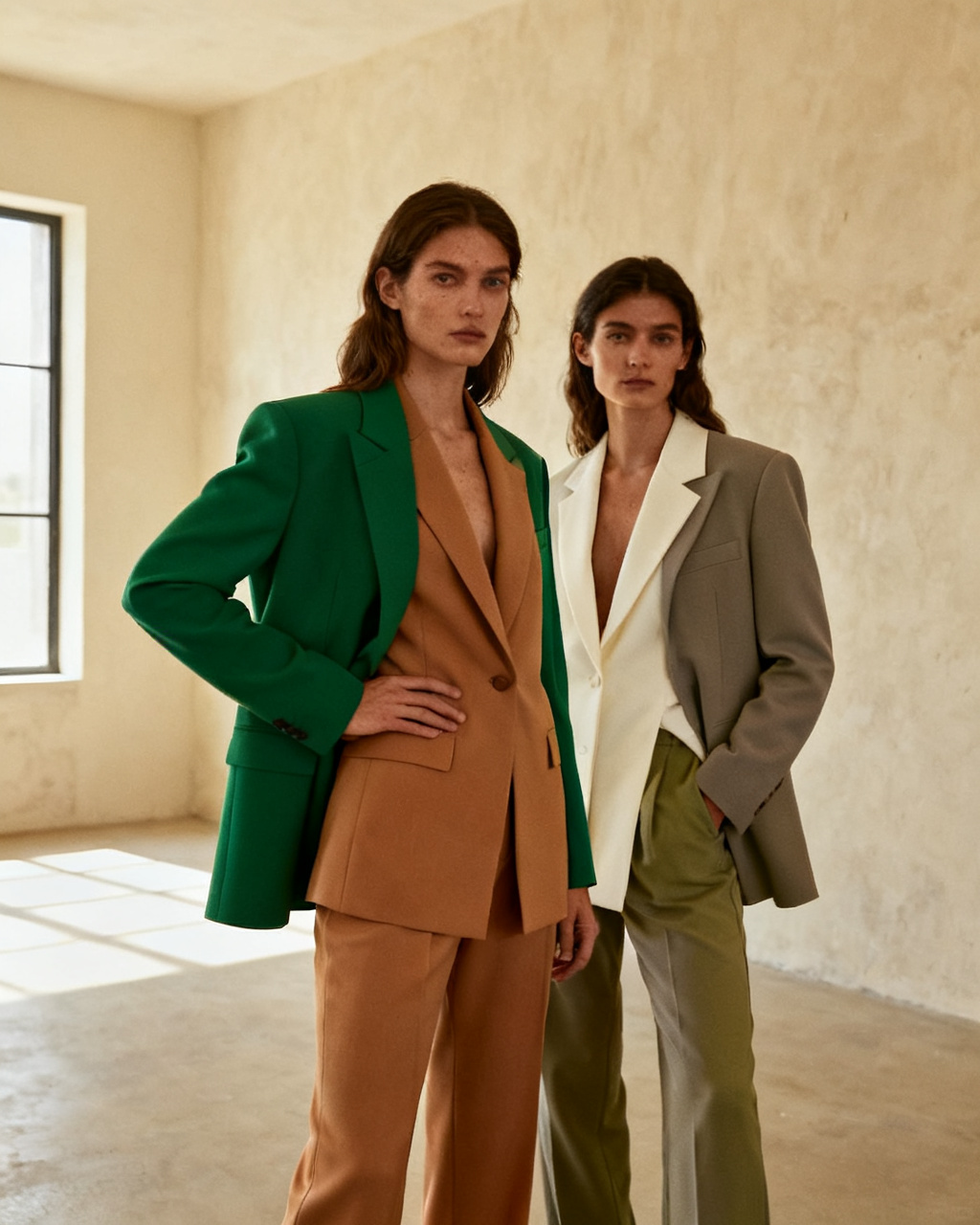
Drop an unfamiliar shade onto an outfit you wear often and check whether it still reads as you in daylight.
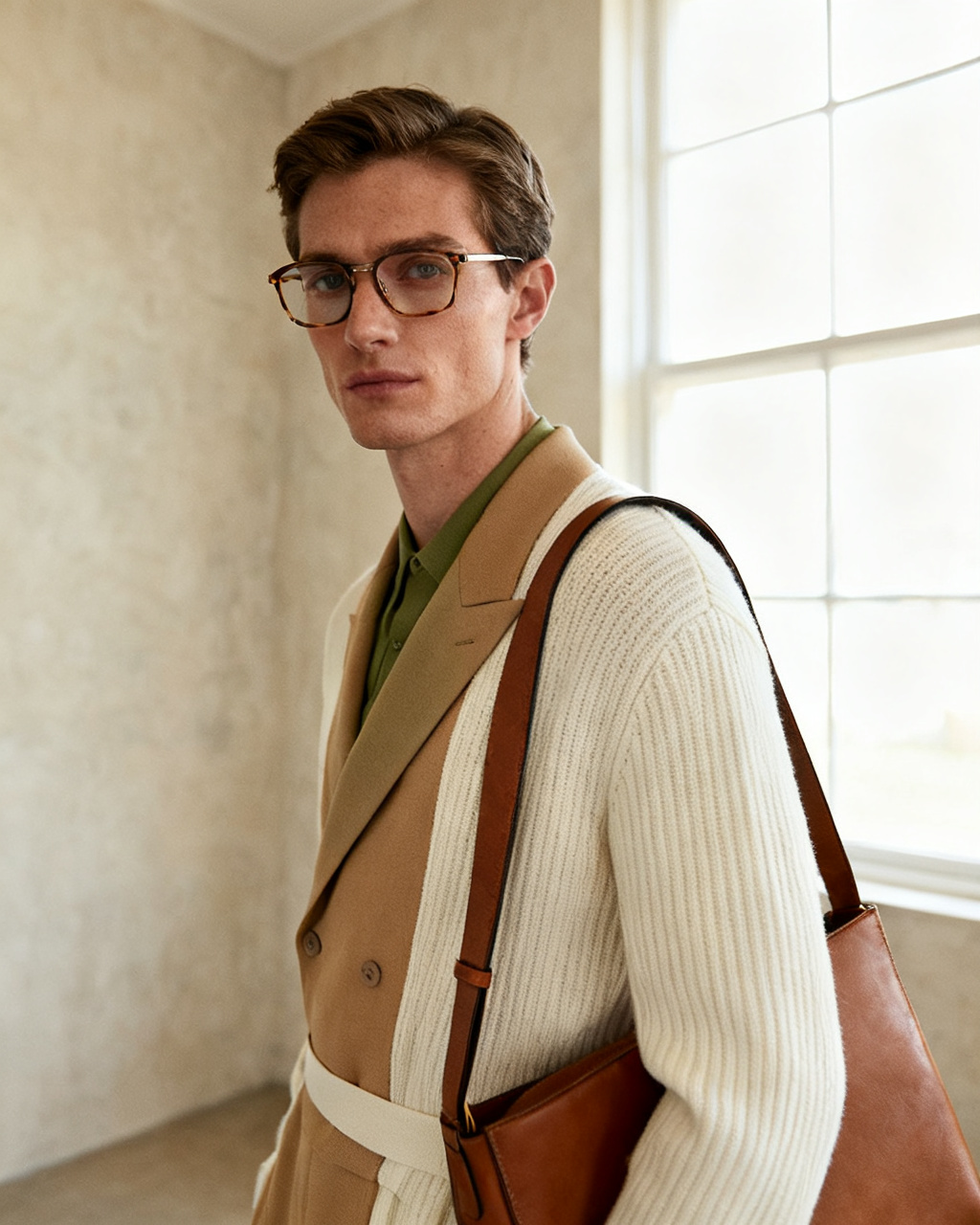
A new collar changes how hair and frames sit. Preview the outfit with the accessories on one photo instead of one item at a time.
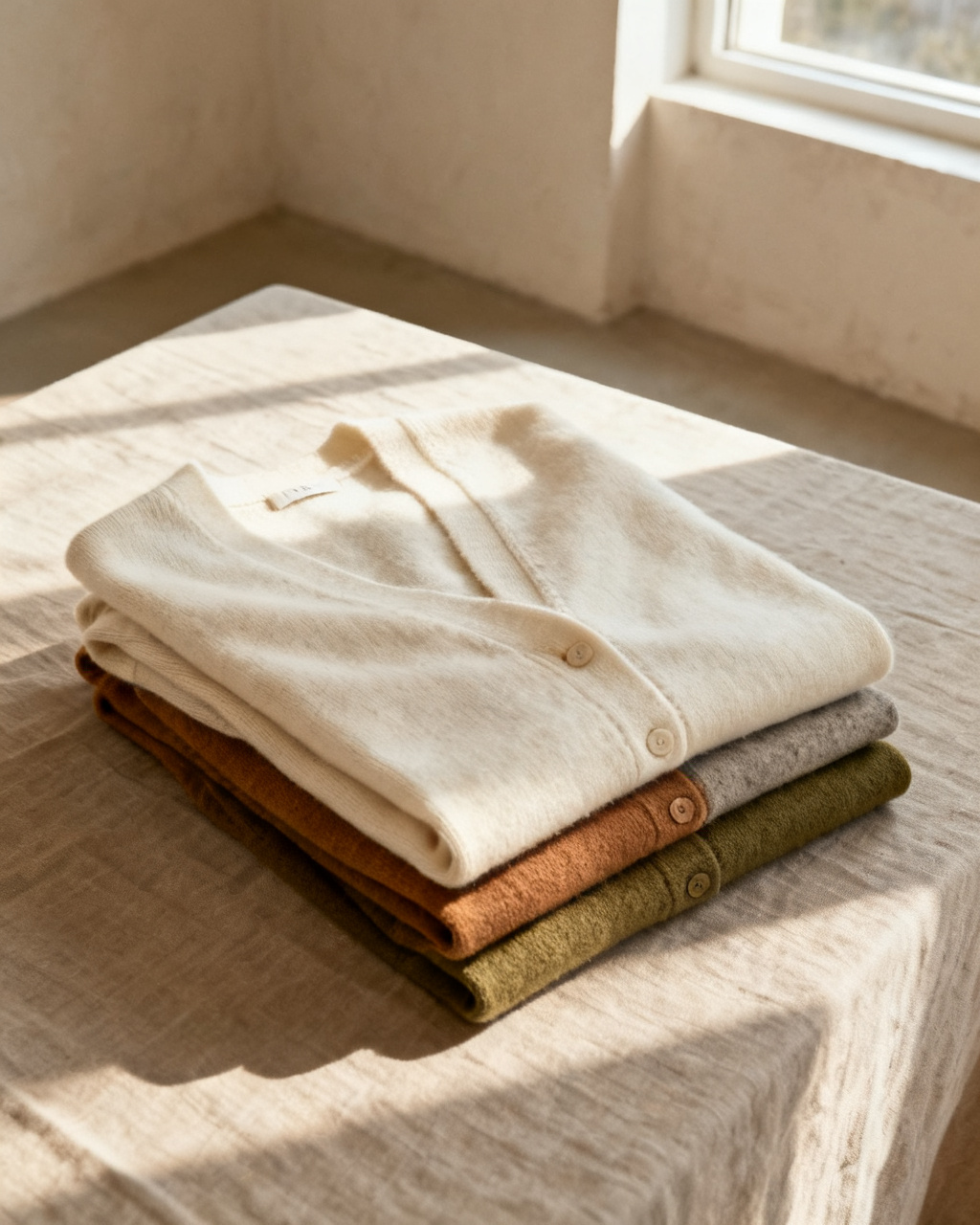
Look at the piece on your own photo first, and keep the receipt for what a preview cannot confirm, such as fabric weight or the exact fit.
Short answers about trying clothes on with your own photo, online and for free.
Yes. Upload a photo of yourself and a product shot of the piece, and the preview shows the outfit on your own body. It is a visual check of color and silhouette, not a fitting. The whole loop takes less time than creating an account on a retailer site.
Starting is free. You get free previews every day without an account, and the sample photos and sample garments are free to use as well. Unlimited mode removes the daily cap when you want to compare more than a few looks at once.
A full-body shot, facing the camera, in even light, with your arms slightly away from your sides. Crop nothing and avoid group photos, because the preview needs your whole silhouette. A phone photo against a plain wall beats a lit studio shot where your legs are cut off.
The model reads your pose and body shape, then renders the garment onto your photo with matching scale and light. That is why a clean photo and a clean product shot matter more than the number of previews, and why a cropped reference produces a weaker result.
No. AI previews are visual approximations, so color, texture and drape may differ from the real item. Check the retailer measurements and the size chart before you order. The preview is best at ruling a piece out, not at confirming it will fit.
It catches the obvious mismatches, like a shade that does not suit you or a length you would not wear. Fit, fabric weight and feel still decide it, so keep the return policy in view. Most people report ordering one size instead of two.
A clear product photo, flat-lay or model shot works as a reference. Use images you have permission to upload, with the garment fully visible and no watermark over it. Screenshots are fine once the price tag and site chrome are cropped away.
No. The studio runs in the browser on a phone, tablet or laptop. There is nothing to install, and the first preview does not need an account. Rendering happens on the server, so an older phone can still use it.
Uploads are re-encoded and stored privately. Results appear only in your own history and are served only to your account, and you can delete any of them at any time, which removes the stored copies too.
Both terms describe the same workflow here. People searching for an AI clothes changer usually want to swap an outfit on a photo; people searching for virtual try on want to see a specific piece on themselves. You upload a garment, it lands on your photo, and nothing about your original image is published.
Three habits do most of the work: measure yourself once a season, compare those numbers with the garment flat measurements rather than the size label, and preview the piece on your own photo to check length and volume. Then read the return policy before checkout, not after.
Yes. The preview follows the body in your photo, so the result reflects your proportions instead of a standard model. It is more useful for plus size and petite shoppers than a model shot, where every garment hangs on one body type.
The same studio works with any full-body photo. Shirts, coats, knitwear and trousers all render the same way. Upload one photo of yourself once and reuse it for every piece you are considering.
Use a full-body photo with your arms clear of the dress area and a product image that shows the full length, hem included. Floor length and midi dresses are the two cases where a cropped reference goes wrong most often, so check that the hem is inside the frame.
Close, not exact. The preview matches the shade in the reference photo, which is itself affected by the store lighting and your screen. If a color is the whole decision, compare it with a product shot taken in daylight before you order.
For color, length and silhouette, yes, because those are visible. For fit across the shoulder and waist, the size chart still wins. A common pattern is to preview one size, order one size, and keep the return window open for the rest.
Yes, and it is where the tool pays for itself. Keep one full-body photo and run every piece you are considering against it. What looks like a wardrobe problem is usually three colors that never worked together, and that is visible in a row of previews.
No. The render is a separate image built from your upload, so the file on your phone stays untouched. Download or delete the result as you like, and the preview never leaves your own history.
That is one of the better uses. Put the exact shoes, bag and outer layer on the same photo, because the combination is what people notice. Dress codes still come from the invitation or the company, and the preview tells you whether the pieces read formal enough together.