 TryOn



Test a fringe before you commit
Compare a curtain fringe with a blunt one on the same headshot, and see which one leaves your face open.
1 free try-on, 1 free video and 1 free image every day — no sign-up neededSee what's free
Upload one headshot and a photo of the style you want to try. A new cut, color, wig or hat lands on your face in seconds, free, right in your browser.
Two images. One new perspective.
Private by default · Delete any result at any time
A first look at what’s possible
Start from a look instead of a blank upload. Pick any image below to load it as a sample, then swap in your own headshot and the style you have in mind. Samples are free, which makes them the cheapest way to find out how much a length or a shade changes your face.
The studio opens whether or not you are signed in, and a new set of hair previews appears every day. The first look is never gated, and no card is asked for at any point.
Each day brings a fresh run of previews for a cut, a color, a wig or a hat. The allowance renews, not the tool, which suits a decision you sleep on before booking anything.
Unlimited mode lifts the daily cap, so you can compare a bob with long layers, blonde with copper, or one wig with another in a single sitting. Seeing four options together is what tells you which one is actually you.
No card, no countdown, no email wall before your first preview. If you want results kept across devices, an account holds them in your history, and that is all signing in changes.
The daily allowance covers every tool on this page, not just hair.
Hair is one studio in a set. Your headshot also works for frames, a bag, a watch, shoes or a pet outfit, so a whole look can be checked without uploading again. The hairline is the only thing the hair tool needs that the others ignore.
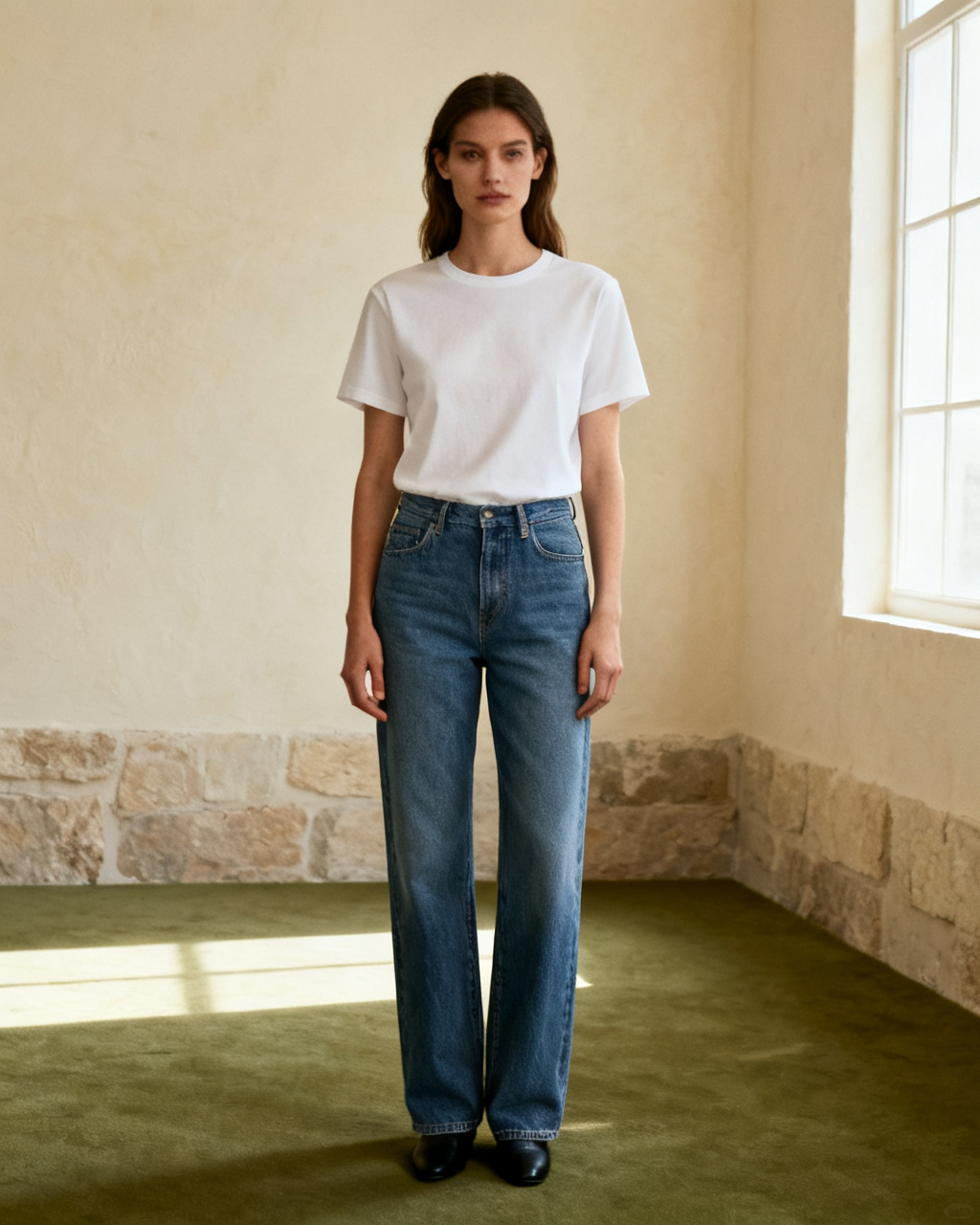
Upload your photo and the item you have in mind, then see it on your own body instead of a stock model. The steps stay the same for a garment, a pair of frames or a watch: one photo of you, one photo of the piece, one preview. Start here when you are not sure which fitting tool you need.
Start fittingHead and shoulders, facing the camera in even light, with the hairline visible. Pull the hair back if it falls across your face, because the AI needs to see where the new style should start. Glasses are fine; a hand holding the phone across your jaw is not.
A salon photo, a wig listing or a hat shot works as the reference. Keep the whole shape in frame, from root to ends, without a hand or a second person covering it. For a color, a swatch photographed in daylight reads better than a screenshot of a filter.
Put two or three styles side by side, keep the ones that suit your face and take the best one to the salon or the wig shop. A preview narrows the choice; the stylist settles the rest. Bring two, not ten, and the consultation moves faster.
Every preview is built from two images: your headshot and the hair you want to see on it. Both decide how much the result can show, so a minute spent on them is worth more than a second attempt. The headshot matters most, because a new style has to meet your own hairline rather than a model one.
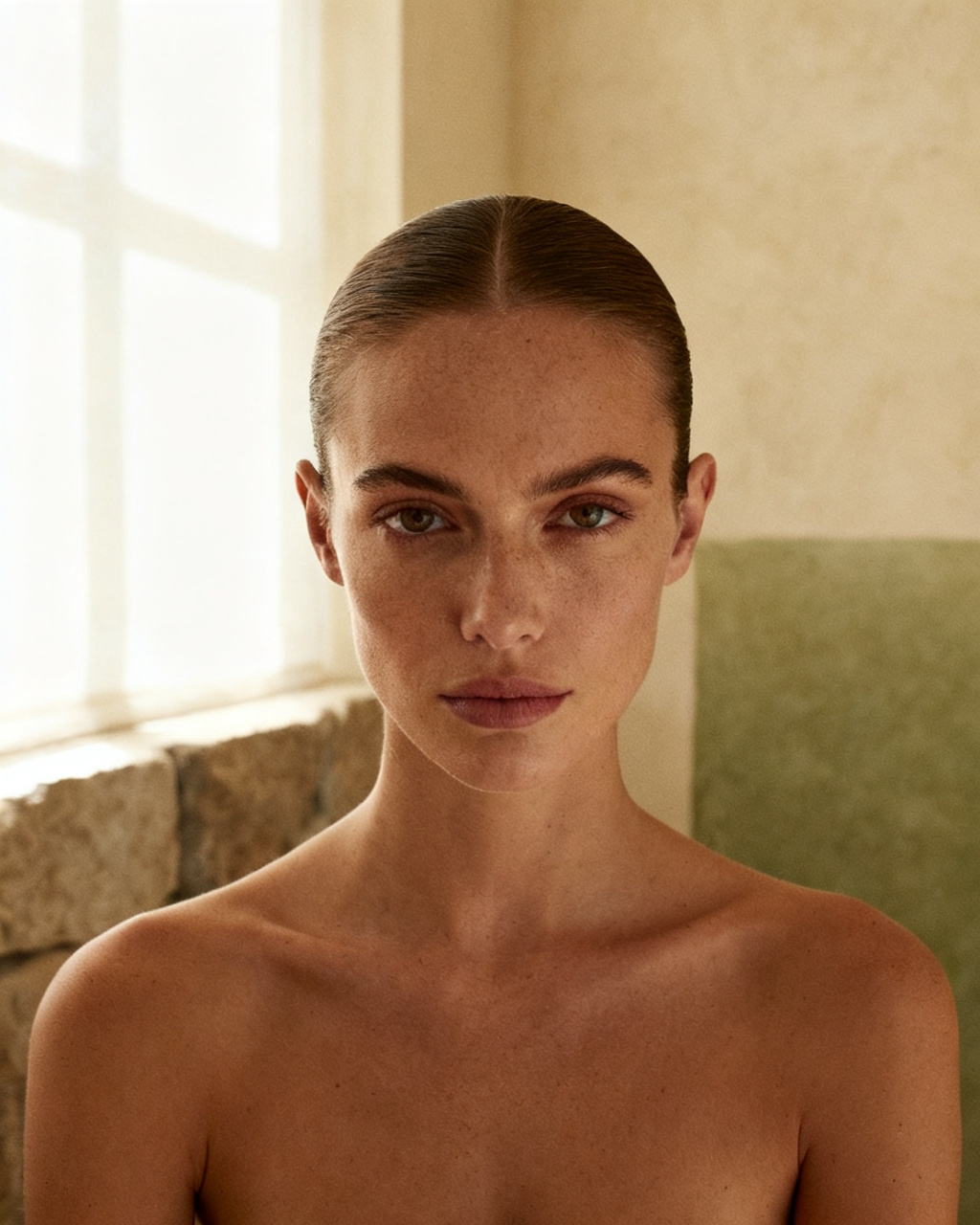 Face the light. Hairline visible.
Head and shoulders, straight on, with soft light and no hard shadow across the face. Hats, hoods and hair falling over the forehead hide the edge the new style has to meet. Daytime light from a window is enough; a ring light is not required.
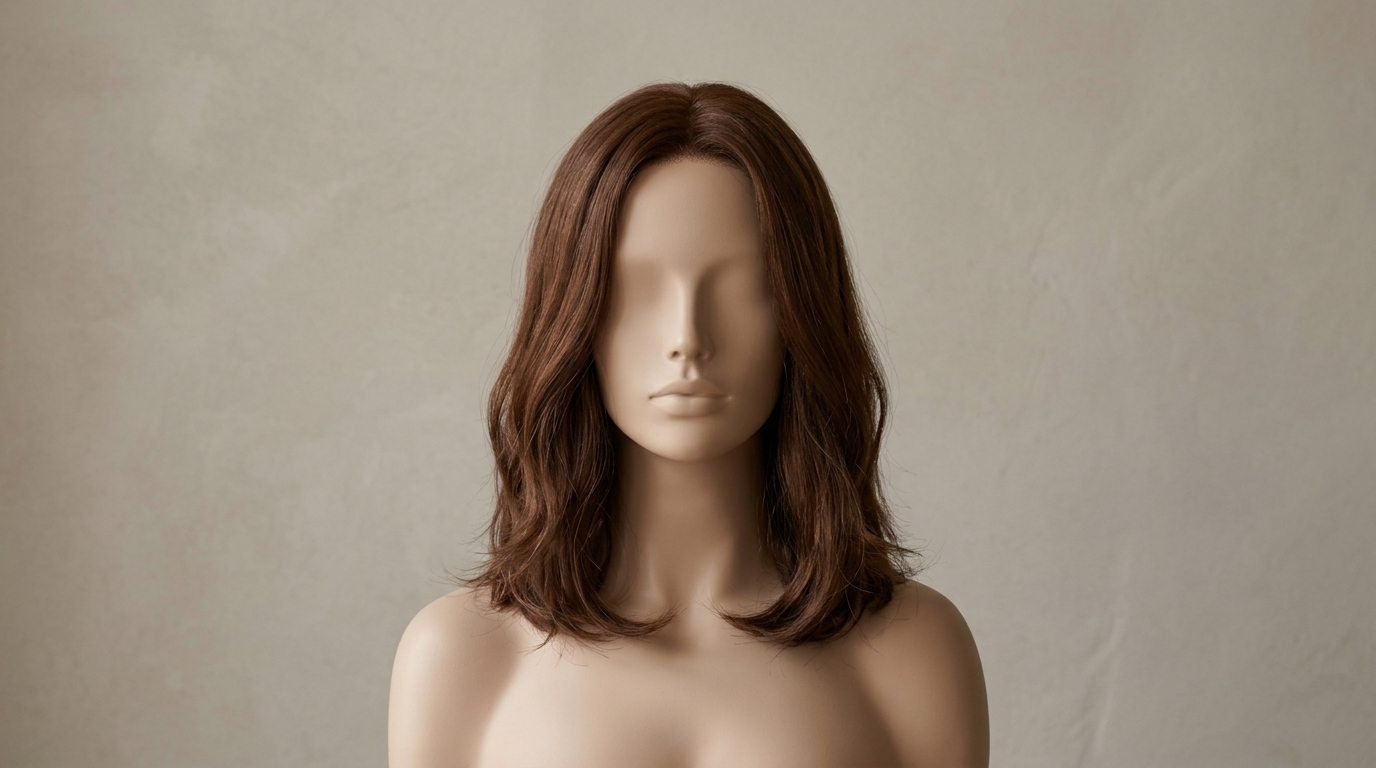 Root to ends. Clear edges.
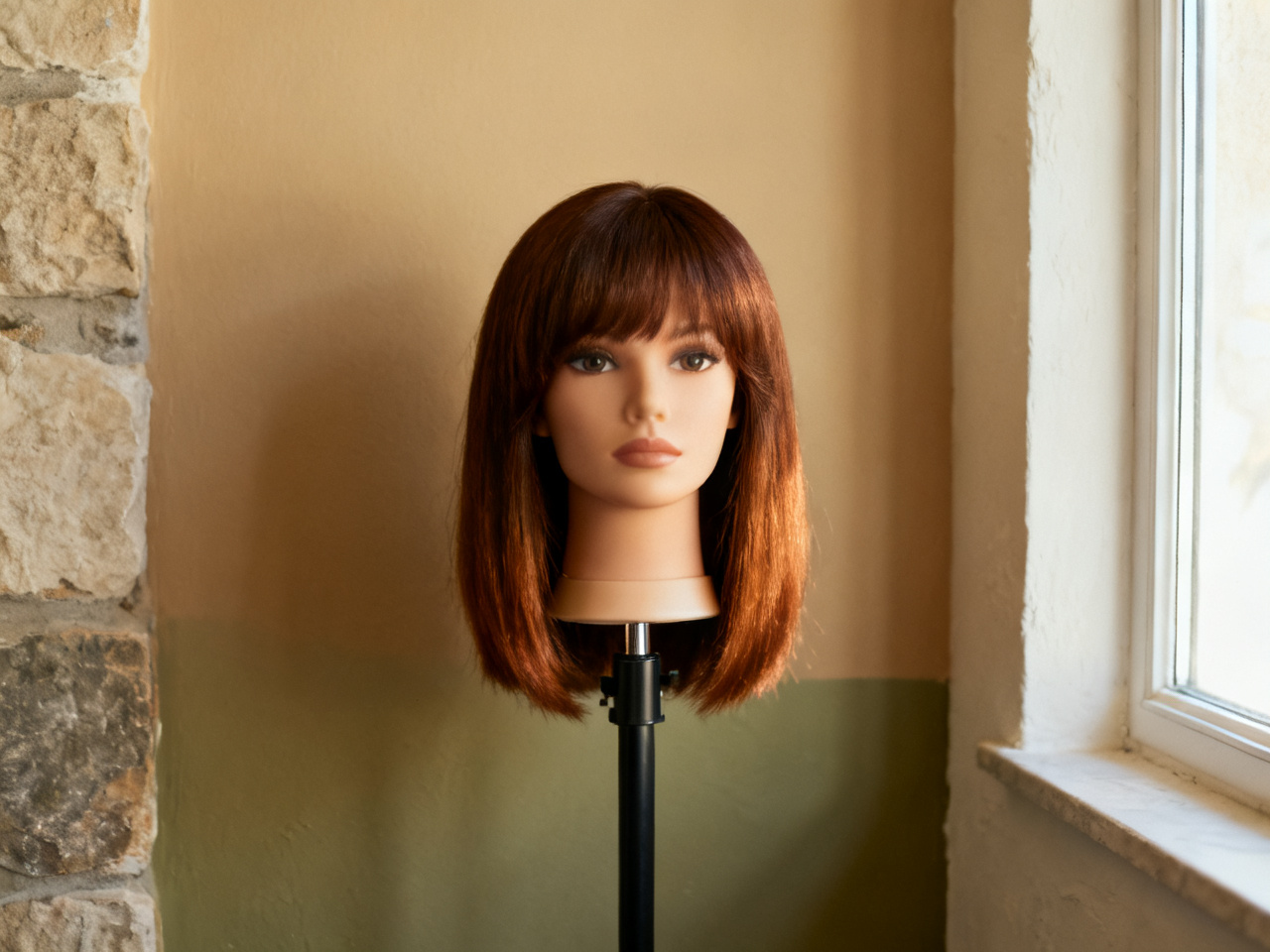
The reference should make the shape easy to read. Cropped screenshots, bundled hair and photos where a hand grips the wig leave the preview guessing at length and volume. A style photographed on a person shows how it falls; a wig on a stand shows the true shape.
The cut is shown from the front, with the full length visible.
The wig sits on a stand or mannequin head, hairline in view.
The shade is visible in daylight, without a filter over it.
One preview can carry a consultation, a listing or a video draft. Pick a scenario to see what it changes, and how much of the decision it can hold on its own.
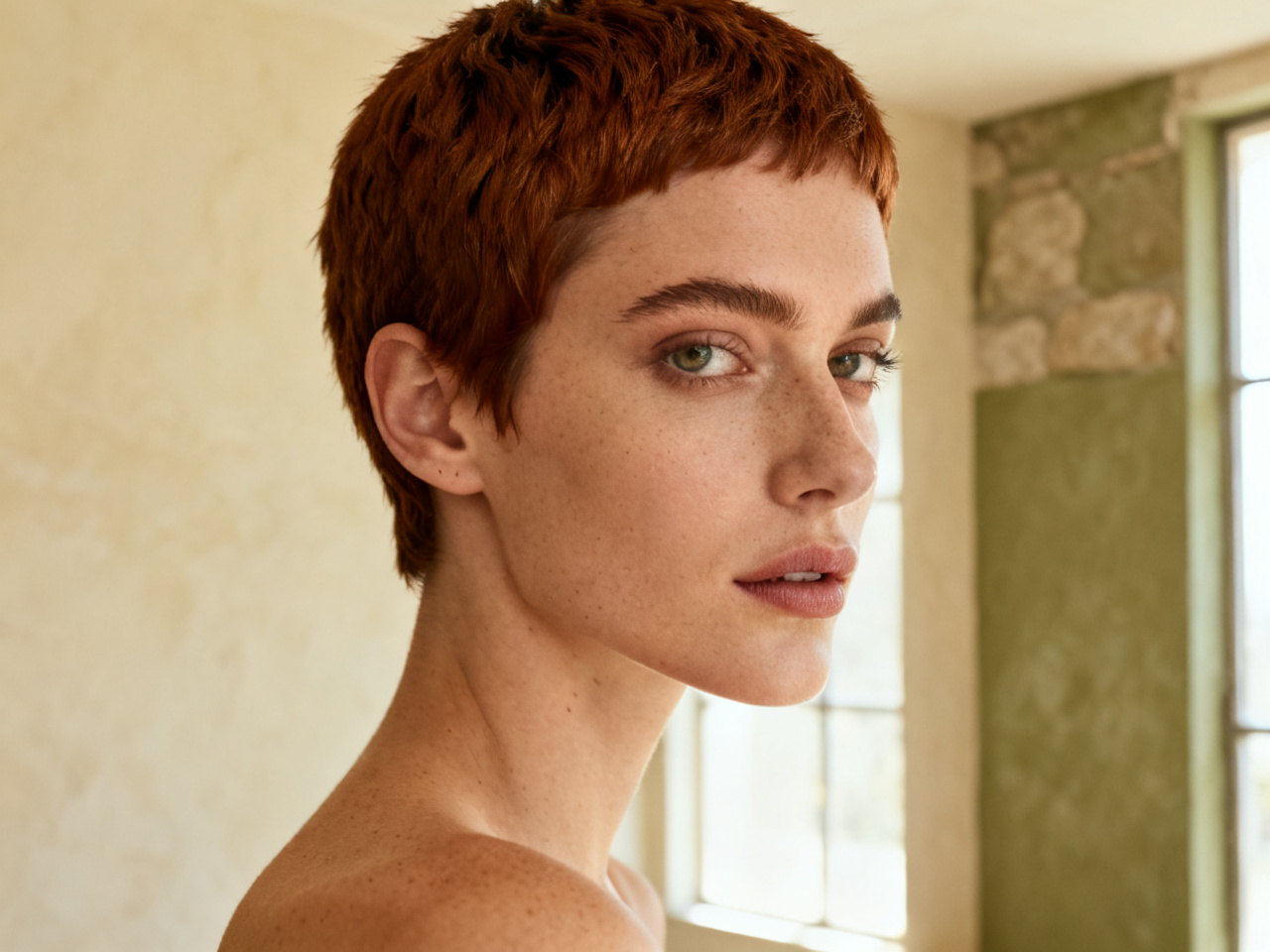
Show two or three previews at the chair, so the stylist sees the length and shape you mean. Texture, density and the final color still come from the conversation, and the picture makes it shorter. Guests who arrive with a preview tend to leave with the cut they expected.
Notes from clients, stylists and wig buyers who check a look before they book or order.
“I brought two previews to the salon and left with the one I had already seen. No surprise in the mirror.”
“A guest shows me the shade on her own hair, and we skip ten minutes of explaining what she means.”
“Wig photos never told me how the hairline would sit. The preview did, before I paid.”
“We open it during consultations. Two previews answer more questions than a full page of description.”
“I tested a shorter cut before committing, and the length I picked is the one I kept.”
“Four wigs in one evening, and no orders placed until I knew which length framed my face.”
“I brought two previews to the salon and left with the one I had already seen. No surprise in the mirror.”
“A guest shows me the shade on her own hair, and we skip ten minutes of explaining what she means.”
“Wig photos never told me how the hairline would sit. The preview did, before I paid.”
“We open it during consultations. Two previews answer more questions than a full page of description.”
“I tested a shorter cut before committing, and the length I picked is the one I kept.”
“Four wigs in one evening, and no orders placed until I knew which length framed my face.”
Start from a look rather than an appointment: a shade you avoid, a length you have never had, or a wig that keeps sitting in a cart.
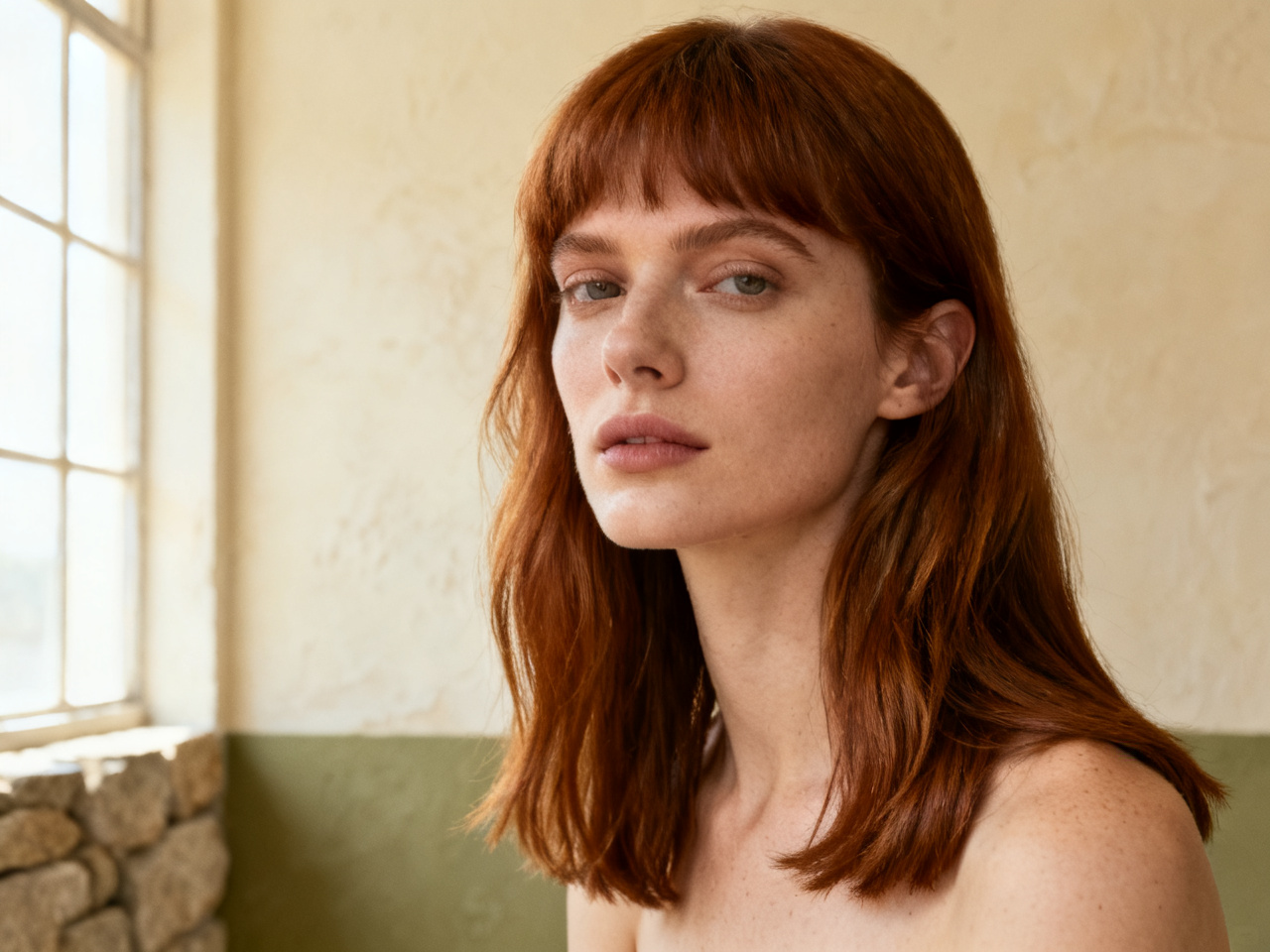
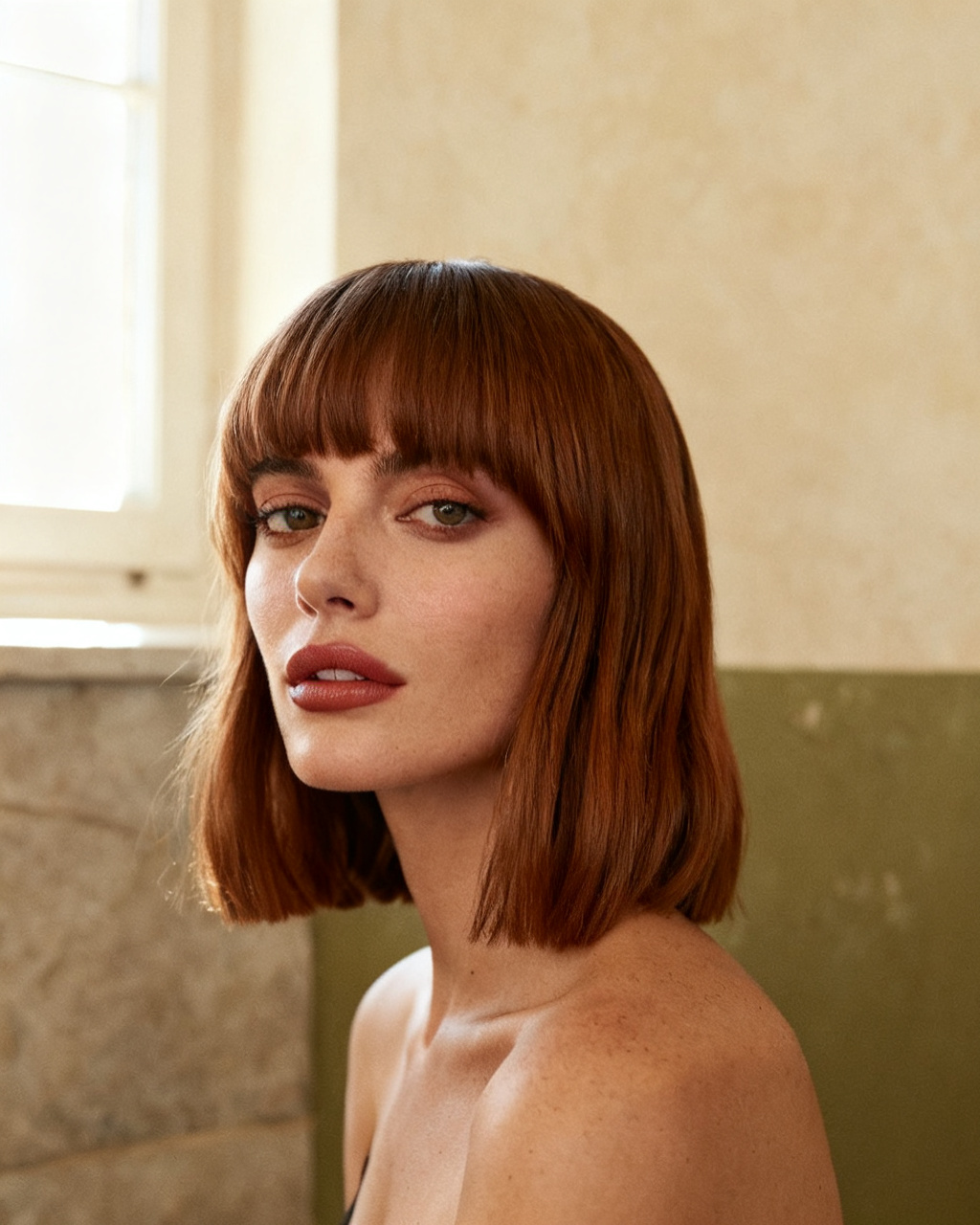
Compare a curtain fringe with a blunt one on the same headshot, and see which one leaves your face open.
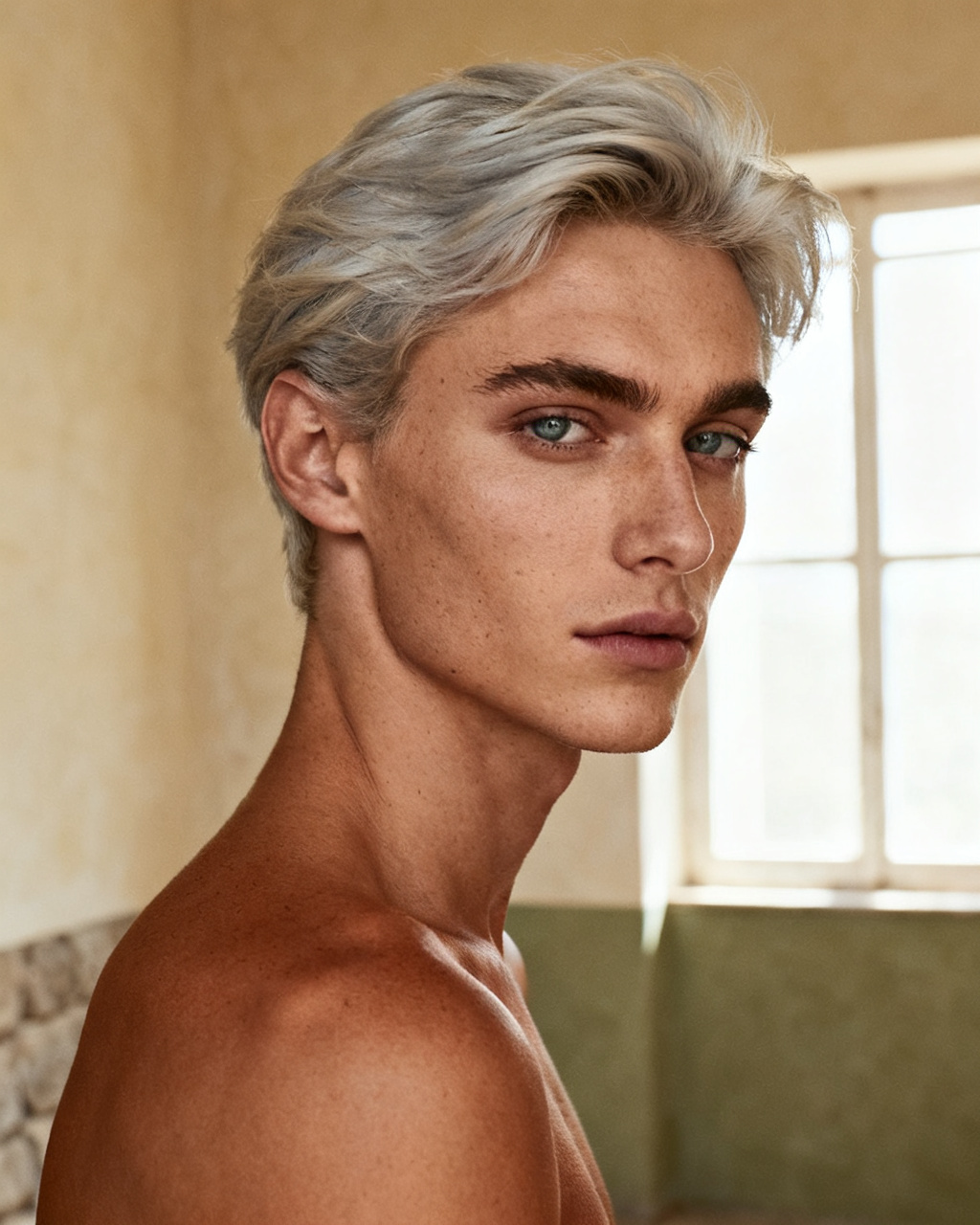
Drop a copper, ash blonde or gray shade onto your photo and check it against your skin in the same light.
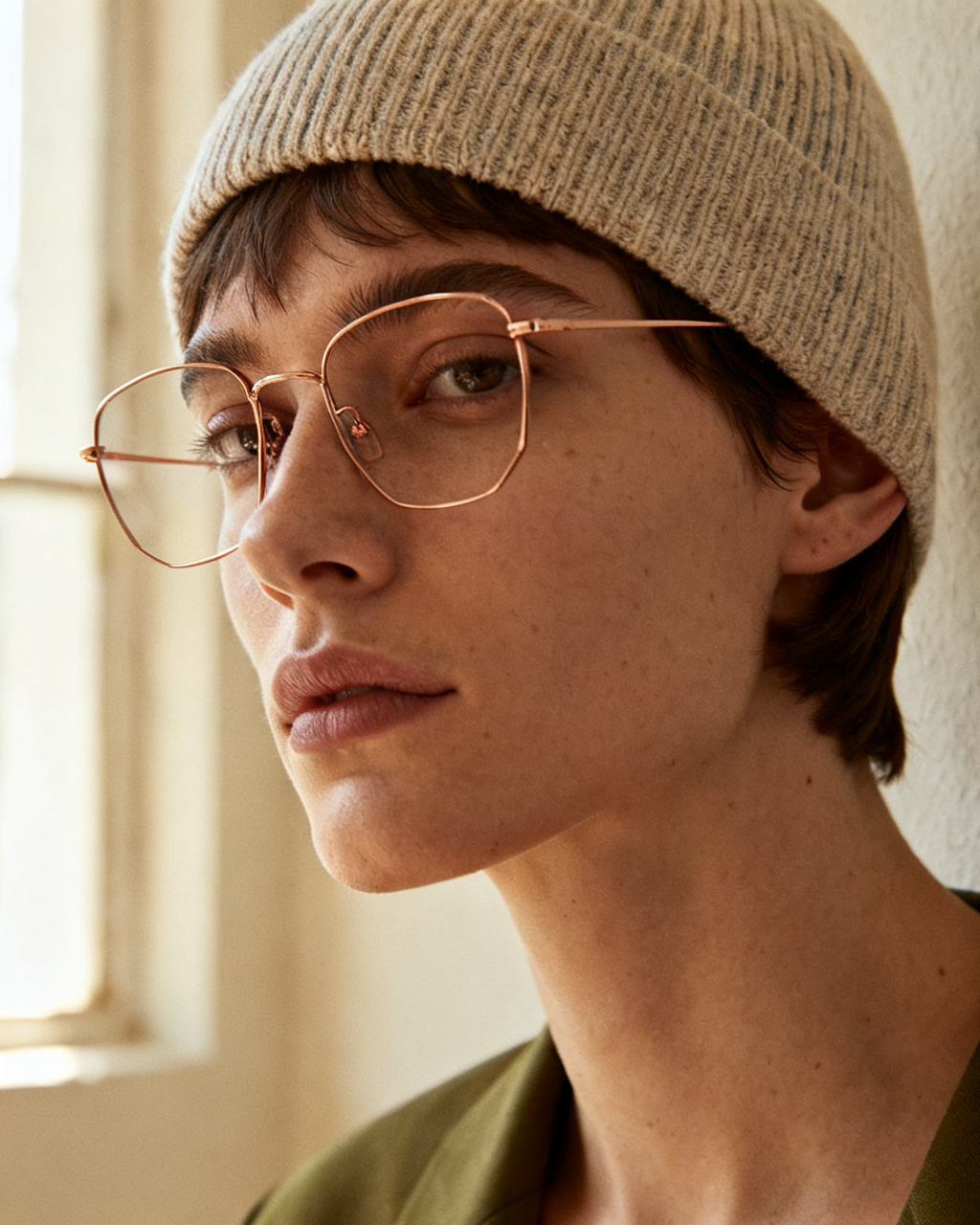
A new cut changes how frames and a beanie sit. Preview the hair and the accessories on one photo instead of one item at a time.
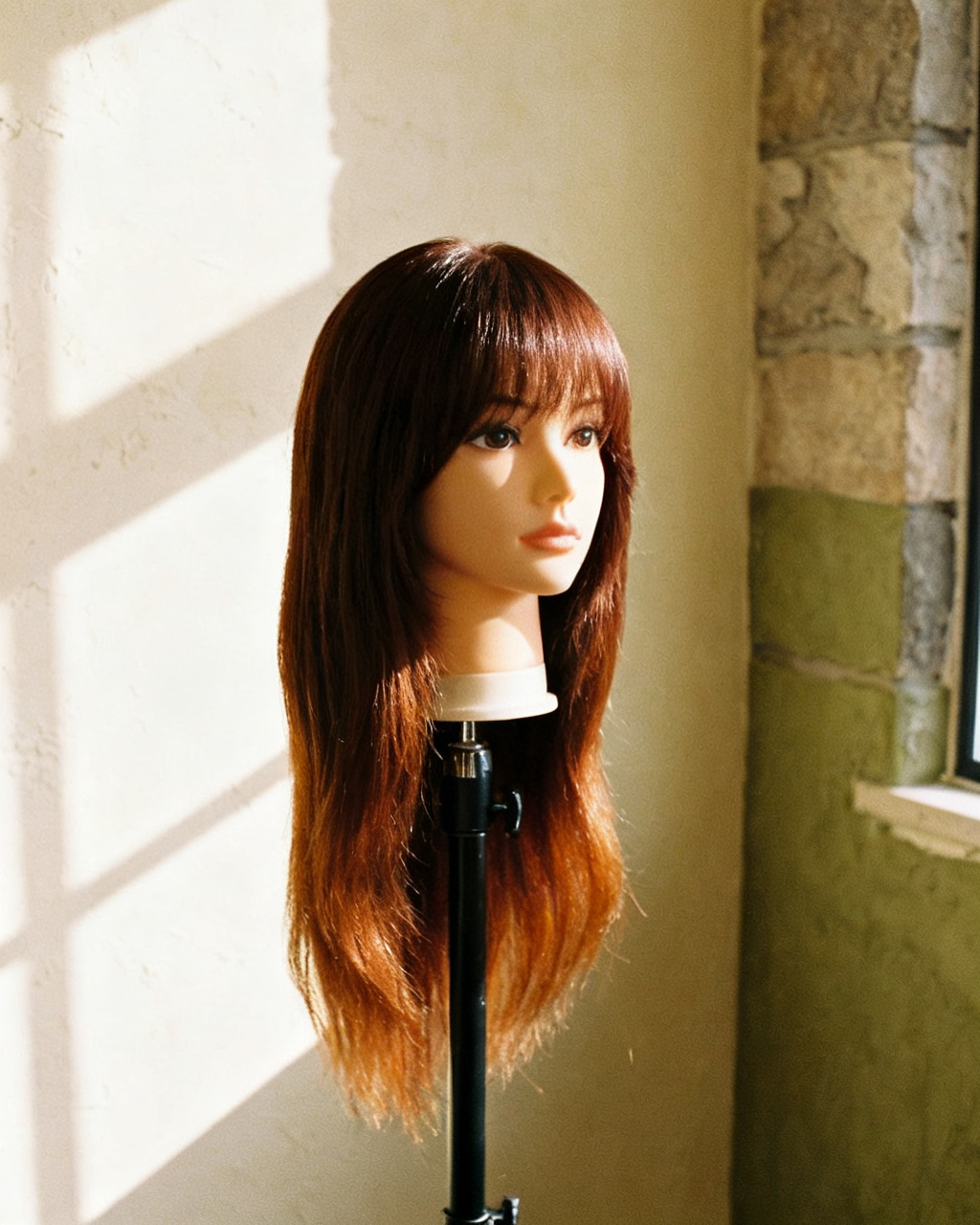
Test a length or color you would not wear to work, before you buy something that leaves the wardrobe twice a year.
Short answers about trying cuts, colors, wigs and hats on your own photo.
Yes. This hair try on app runs in the browser, so there is nothing to install. Upload a headshot, add a photo of the style you want, and the AI puts it on your photo in seconds.
Yes. The whole try on happens online in a browser tab, so you can test a style on a phone, tablet or laptop and keep the previews in your history. No download, no account required for the first look.
Yes. Upload a photo of the shade or wig you want to test (blonde, gray, red, anything else) and check it on your own headshot before you book a salon appointment. A daylight swatch gives a truer result than a screenshot of a filter.
Starting is free. You get free previews every day without an account, and the sample models and sample hair photos are free to use too. Unlimited mode takes the daily cap away when you want to compare a whole set at once.
Use a head-and-shoulders shot facing the camera in even light, plus a front view of the style you want. The hair try on tool blends the new hair onto your photo for you. Keep the hairline visible, because that edge is where the blend starts.
Yes. Photograph the wig from the front on a plain background, upload it with your headshot, and see how it sits on your head before you buy it. It is the closest thing to a wig shop mirror when the shop is three hours away.
The same two-photo flow works for hats and headwear. The AI follows the angle of your head, so the hat sits where it should. Try the hat with two different lengths to see how much hair you want showing underneath.
The tool works with any headshot. Test short cuts, buzz cuts, longer styles or a new hair color on your own face. Beard and hairline changes are the two things men ask about most, and a straight-on photo handles both.
Uploads are re-encoded and stored privately. Results show up only in your own history and are served only to your account, and you can delete a result whenever you like, which removes the stored copies as well.
Here, nothing for the daily previews. Some apps charge a subscription or a one-off unlock, and salon software often bundles a try on tool into a paid package. Check what is free before you upload a photo, since a few of them gate the result behind a paywall.
The one that keeps your own proportions and does not smudge the hairline. Judge three things: whether the color matches the reference, whether the length looks plausible from the side, and whether you can compare options without paying first. Filters score well on the first and badly on the other two.
Yes. Treat the extension or topper photo the same way as a wig: front view, whole length in frame, plain background. Halo extensions and clip-ins read best on a photo where your natural hair is pulled back, because the join is what you are checking.
Not quite. A social filter paints a style over a live camera feed and loses it when you stop recording. This renders a still image from two photos, so the result keeps your face, your light and your background, and you can compare it with a product photo later.
Yes. Everything runs in the browser, so a phone camera roll and a browser tab are the whole toolkit. Nothing is installed, and the previews stay available in your history if you sign in later.
If the change is more than a trim, yes. A preview separates the two questions people mix up: whether the style suits your face, and whether you want the upkeep. The first is visible on a photo; the second is a conversation with your stylist about regrowth and styling time.
Yes. Upload a photo of a gray shade, a wig listing or a stranger photo of the tone you mean, and check it on your own headshot. Gray pulls warmth out of the skin, which is why it reads very differently on cool and warm undertones, so look at it in daylight rather than on a screen at night.
That is the safest use of the tool. Upload a pixie, a jaw-length bob or a buzz cut as the reference and compare it with your current length. A short cut changes the neckline and the ear line, so use a photo with the hair pulled back to see the shape your face would actually get.
No, and that is the gap worth closing yourself. A blunt fringe means a trim every three weeks, highlights mean a root touch-up every six, and a sleek bob means heat styling. The preview answers whether you like the look; the appointment calendar answers whether you can keep it.